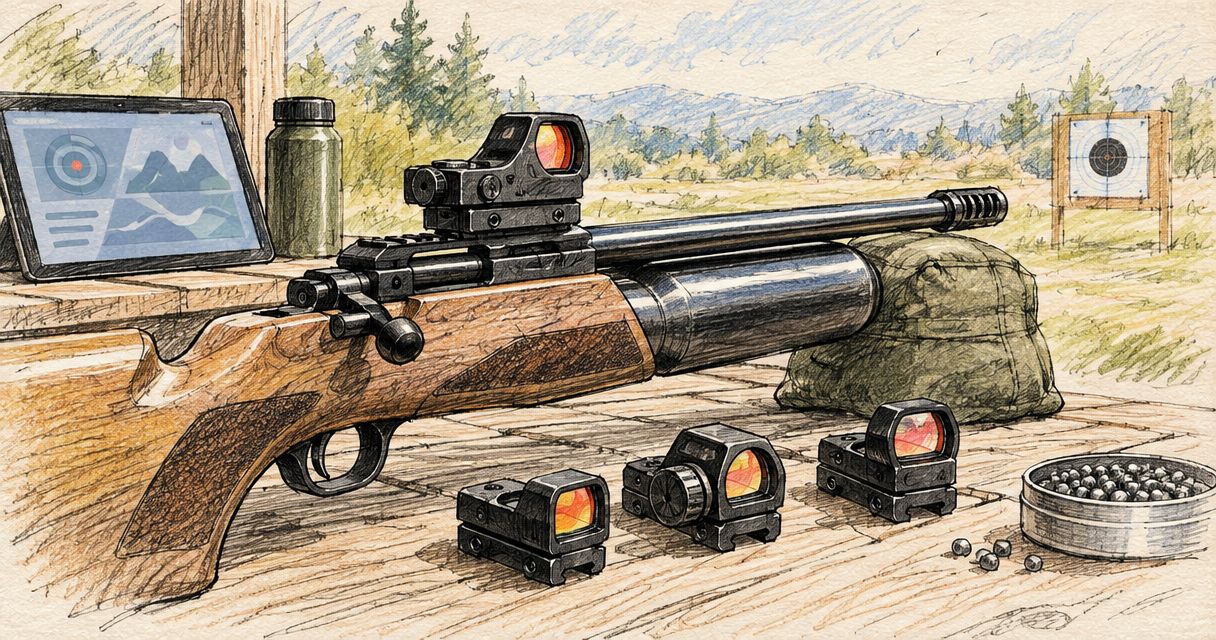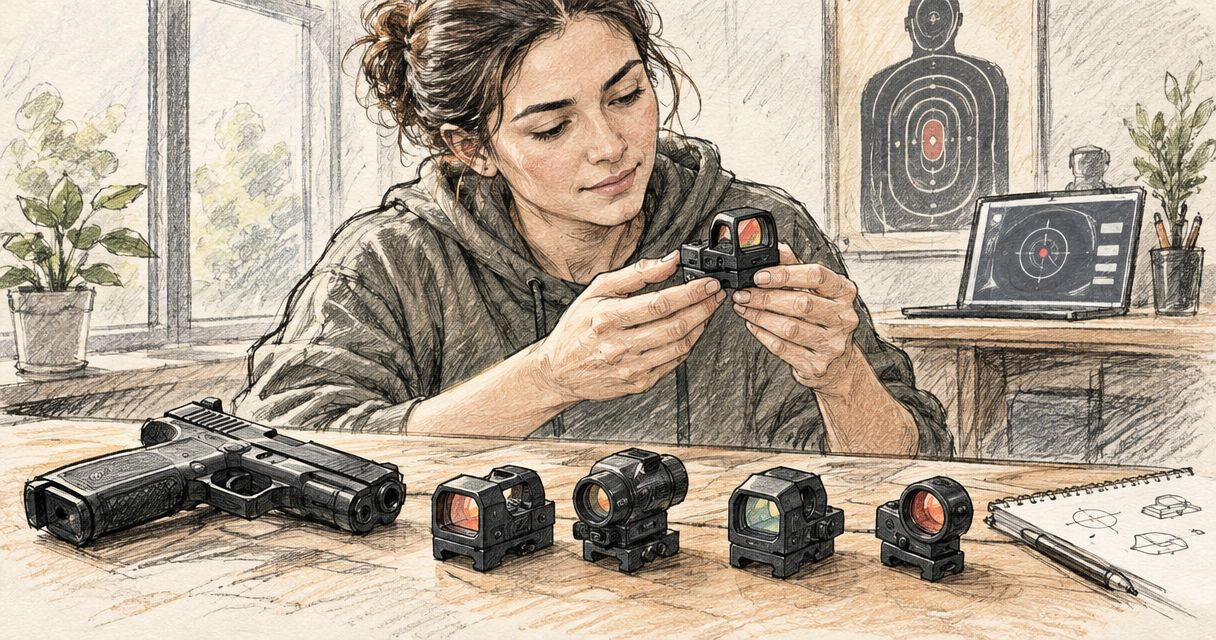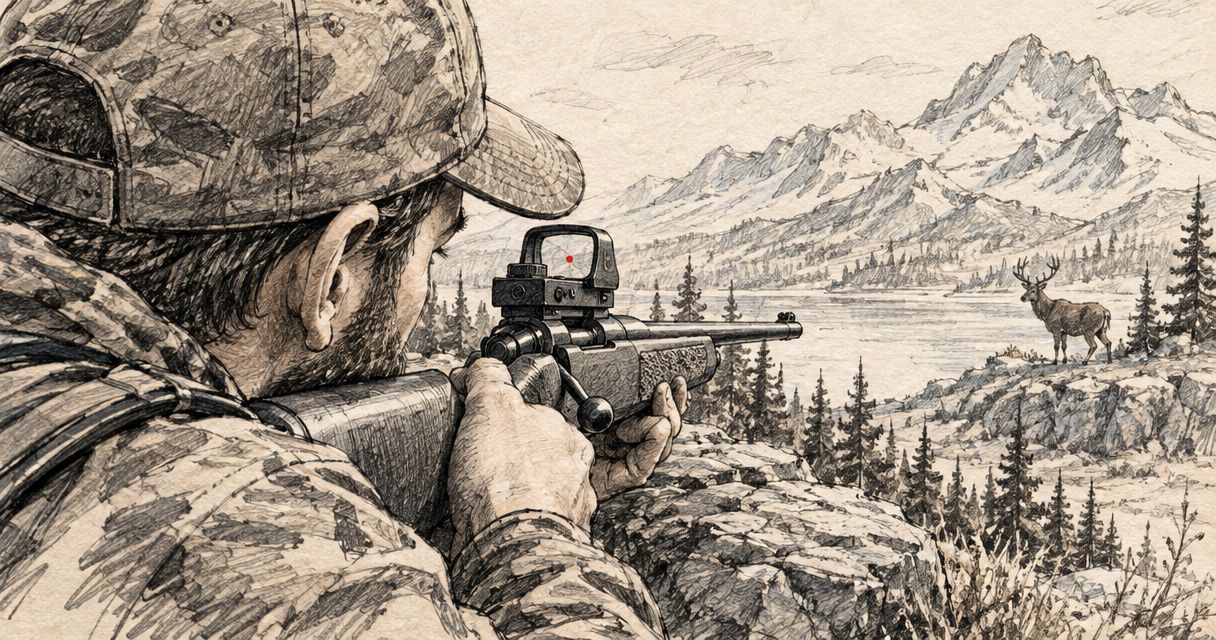
Professional hunters’ red dot sights are non-magnifying firearm optics used with the aim of providing a visible aiming reference without a telescopic sight picture. This 2026 guide to red dot sights for professional hunters focuses on firearm compatibility, reticle visibility and field maintenance—not unsupported claims about which optic survives the hardest use.
- Osight supplies red dot sights for South African firearm owners through the brand’s official distributor.
- Choose red dot sights for professional hunters by mounting compatibility and intended use before reticle features.
- A red dot provides an aiming reference, not magnification or reliable identification of distant quarry.
- Compare battery access, environmental protection and maintenance requirements against the exact model’s published specifications.
Why red dot sights matter for professional hunters
Professional hunting separates two requirements that product descriptions often blur: seeing an aiming reference and identifying what is beyond it. A red dot addresses the first requirement. It does not replace binoculars, suitable magnification or a clear assessment of the animal and its surroundings.
Your equipment also has to fit an existing working firearm. A sight that looks suitable in isolation still needs a compatible mounting system, an acceptable sight height and accessible controls. These are purchase criteria, not details to resolve after ordering.
Osight is best suited to South African firearm owners seeking red dot sights from the brand’s official distributor. Distributor status identifies the purchasing channel; it does not establish that every model suits every hunting firearm.
For your 2026 equipment review, separate verified specifications from assumptions. Reticle choices, battery arrangements and environmental ratings belong to individual models. Do not transfer a feature from one sight to another because the products share a brand.
Choose a sight around the firearm and the job
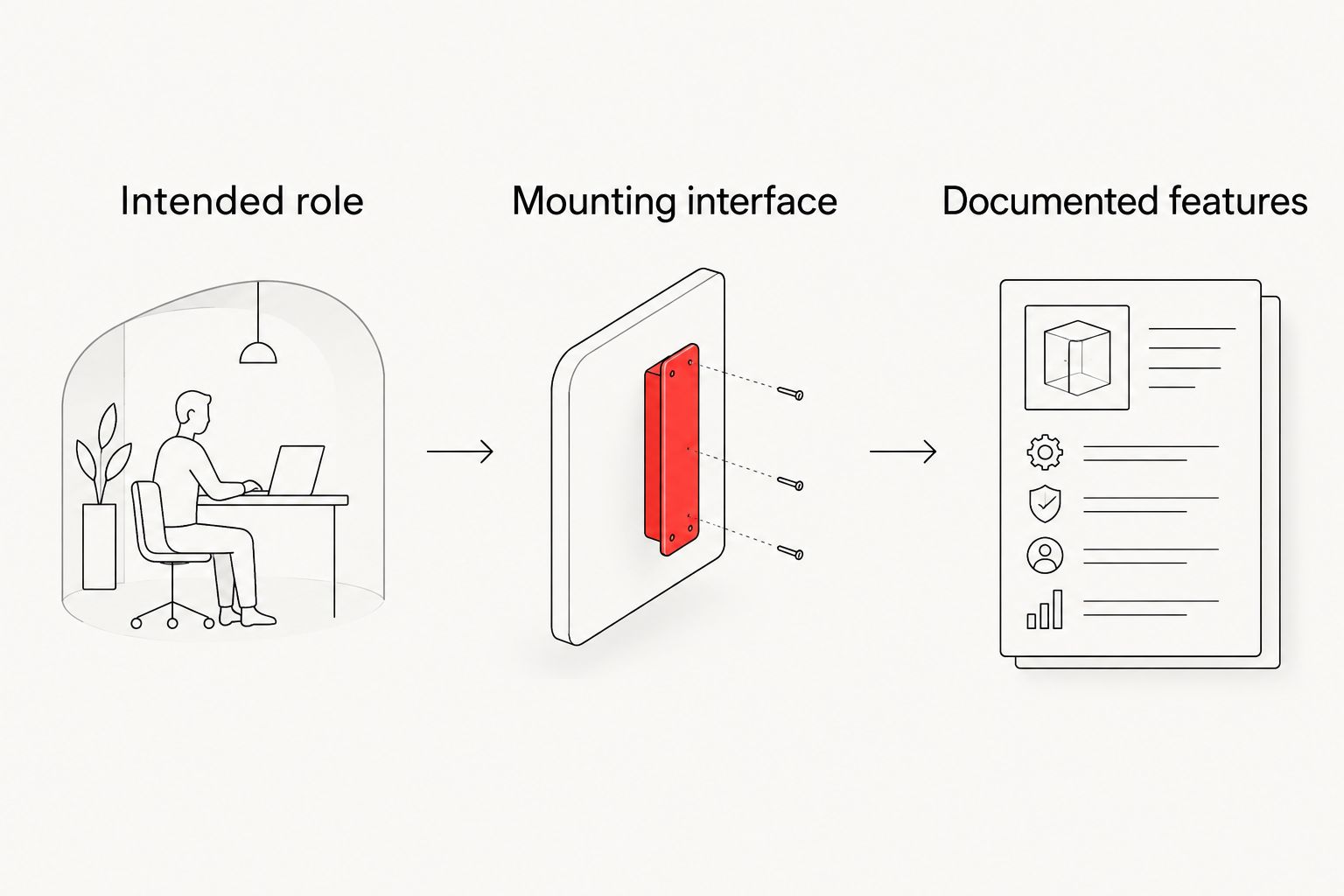
Define the sight’s intended role
Start with your existing equipment and write down what the red dot must do. Keep the description practical: primary aiming sight, an alternative sight for a particular firearm, or a configuration you are evaluating alongside an existing optic. A feature list without a defined role gives you no basis for rejecting unsuitable options.
The central limitation is magnification. A conventional red dot does not enlarge the animal or reveal details hidden by distance, vegetation or poor visibility. If your work requires magnified observation through the firearm’s sight, an unmagnified optic does not meet that requirement by itself.
Use your 2026 equipment plan to set exclusions as well as preferences. A sight should pass the role check before you compare its controls or reticles. Keep observation equipment and firearm aiming equipment separate in that assessment.
- State whether the red dot will be your primary or alternative sight.
- Identify which firearm the sight must fit.
- Record whether the role requires magnification.
- List the conditions in which you expect to inspect and maintain it.
- Reject configurations that leave an essential requirement unresolved.
Confirm the complete mounting interface
Use the firearm manual and the optic’s published mounting information first. Record the firearm’s existing interface, the sight’s footprint and any intervening base or plate. These are separate parts of the fit check; a footprint name alone does not describe the complete installation.
Check more than hole alignment. Fastener dimensions, clearance, mounting height and access to the battery compartment all affect whether the assembly is suitable. Follow the specifications for the exact components rather than a general instruction found for a similar-looking sight.
An adapter can connect different interfaces, but its presence creates another component to verify. It also changes the assembly’s height. If the documentation does not resolve compatibility, get confirmation from the supplier or a qualified gunsmith before buying or fitting the sight.
Do not treat the ability to attach an optic as proof that the resulting arrangement is practical.
- Identify the firearm’s mounting interface.
- Match the optic footprint to the specified mounting component.
- Check the required fasteners against the component documentation.
- Assess clearance and overall sight height.
- Confirm whether routine battery access requires optic removal.
Compare documented features, not model names
Build a simple shortlist manually. Put each candidate’s published specifications beside the same requirements: mounting interface, reticle, battery arrangement, controls and environmental protection. Leave an unanswered field unanswered. A missing specification is not permission to assume the feature exists.
Osight’s red dot sights can then be assessed against that shortlist through the official distributor. The purchasing channel is the direct route to the brand’s offering, but it is not a substitute for checking the exact model. Ask a precise question about the missing specification rather than requesting a general assurance that the sight is suitable for hunting.
For a rifle-specific assessment, use the red dot sights for bolt-action rifles guide alongside the firearm’s documentation. A category guide helps organise the decision; it does not certify a particular mounting combination.
- Compare the same specification fields for every candidate.
- Record the source of each model-specific claim.
- Separate confirmed features from unanswered questions.
- Ask for compatibility confirmation for your exact firearm setup.
- Remove any candidate that fails a required specification.
Assess reticle size and visibility
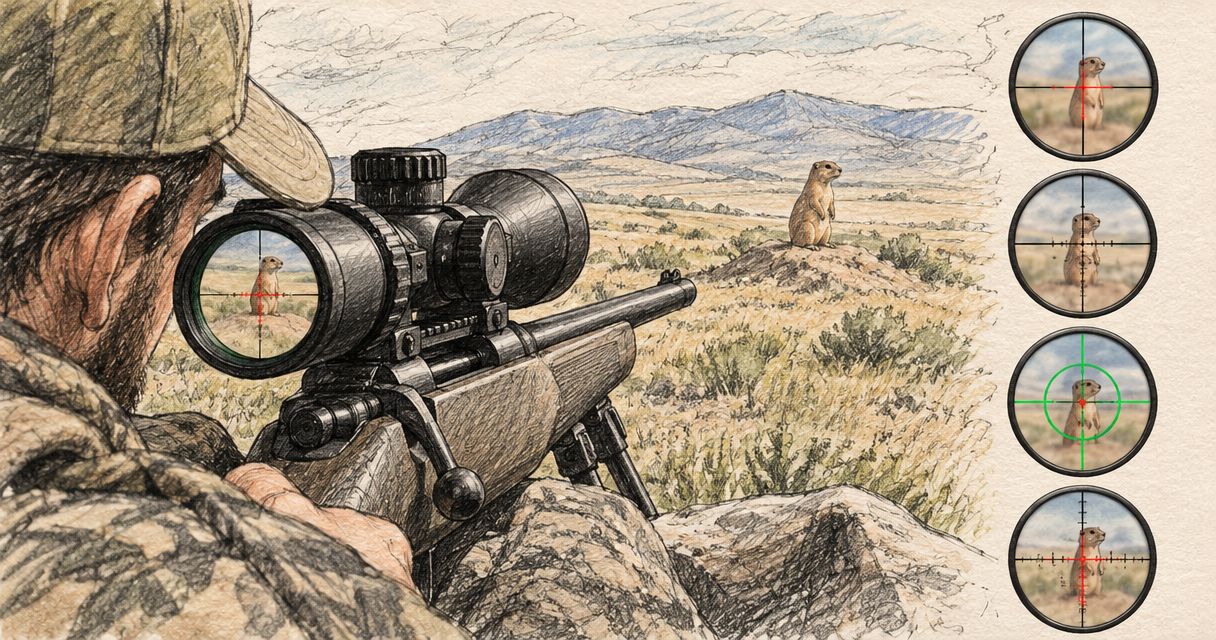
Compare the reticle with your own corrected vision before treating its specification as a verdict. A dot that appears crisp to another person can look different to you. Check the actual sight where possible rather than judging an illuminated reticle solely from a promotional photograph.
MOA describes angular size. One MOA subtends approximately 29.1 mm at 100 m, so a 2 MOA dot spans approximately 58.2 mm at that distance and a 6 MOA dot approximately 174.6 mm. These are geometric examples, not specifications for any model discussed here.
A smaller dot occupies less of the view, but that alone does not make it the correct choice. A larger visible aiming reference occupies more of the target image. Brightness also affects the appearance you assess, so compare legibility without mistaking excessive brightness for clarity.
A multi-reticle specification describes available aiming patterns. It does not establish that every pattern is useful to you.
- Inspect the reticle with the eyewear you normally use.
- Compare the stated angular size rather than marketing photographs.
- Assess whether the aiming reference obscures necessary detail.
- Check visibility against both light and dark backgrounds.
- Choose a reticle you can interpret consistently.
Verify environmental protection and lens access
Start with the exact model’s published protection claims. Terms such as weather-resistant and waterproof are not interchangeable specifications. Where a rating is supplied, check what it measures and whether the documentation states limits or conditions.
Keep the housing design separate from the rating. An enclosed optical arrangement protects the emitter differently from an open arrangement, but the design label alone does not establish an immersion rating, impact tolerance or recoil qualification. Those require their own supporting specifications.
Maintenance also matters. Inspect how you would access the external lens surfaces, emitter area where applicable, controls and battery compartment. An arrangement that is difficult to inspect deserves attention before it becomes part of your working equipment.
Follow the manufacturer’s cleaning guidance. Do not substitute an aggressive cleaner or abrasive cloth because the housing appears durable. The lens surface and the body are different parts with different maintenance requirements.
- Read the exact environmental rating and its stated conditions.
- Check any published recoil or impact qualification separately.
- Inspect access to exposed optical surfaces.
- Confirm the approved cleaning method.
- Include the mount in your condition checks, not only the sight body.
Plan battery access and routine checks
Read the battery instructions before purchase. The relevant questions are battery type, access method, control behaviour and whether replacement requires removing the optic. Do not assume side-loading access, automatic brightness or motion activation unless the exact model’s documentation confirms it.
Published battery life is meaningful only alongside its stated operating conditions. Brightness settings and operating modes can affect consumption, so do not turn a headline duration into a guaranteed replacement interval for your own use.
Keep a 2026 equipment record with the battery fitted, the replacement date and any observed problems. This is a record of your sight, not a claim about the performance of the whole model range. Check operation after battery work and follow the manufacturer’s instructions for any subsequent verification.
Make the maintenance routine easy to repeat. A documented check is more useful than relying on memory when several items of equipment need attention.
- Record the specified battery type.
- Confirm access without assuming the optic stays mounted.
- Note the conditions attached to battery-life claims.
- Keep replacement batteries in suitable protective storage.
- Record replacements and recurring electrical problems.
Check the complete setup before field use
Assess the assembled firearm and sight as a system, with any fitting or live-fire verification conducted safely under the relevant instructions and range rules. Compatibility on paper is the starting point. It does not confirm that controls remain accessible or that the sight position works with your normal equipment.
Check the sight with the clothing, eyewear and carrying arrangement you actually use. Inspect whether anything contacts the controls, obstructs the view or interferes with access. Keep ammunition separate during non-firing inspection and follow established firearm-safety procedures.
Use a qualified gunsmith when installation details remain unresolved. Do not improvise a mounting solution to avoid asking for help. After installation or any work that disturbs the assembly, follow the appropriate procedures to verify the firearm and sight before hunting.
Accept the complete setup only when fit, function and the intended role agree. A convenient reticle cannot compensate for an unresolved mounting problem.
- Inspect the unloaded setup under safe conditions.
- Check control access with your normal equipment.
- Look for contact between the sight and carrying equipment.
- Resolve installation questions with a qualified professional.
- Complete the prescribed verification before field use.
Compare reticle options for professional hunting
Use this 2026 comparison to assess reticle configurations, not to infer which features a particular model includes. These are configurations to check within a documented sight offering, not additional product recommendations.
| Option | Best for | Main advantage | Key limitation |
|---|---|---|---|
| Smaller dot | Shooters prioritising less angular coverage | Occupies less of the target image | Still provides no magnification; visibility needs individual assessment |
| Larger dot | Shooters who prefer a larger aiming reference | Presents a larger visible reference | Covers more of the target image at the same distance |
| Selectable reticles | Shooters who want to compare available patterns | Allows a choice between documented aiming patterns | More patterns do not resolve mounting or identification limits |
The correct choice is the configuration that meets your visual and equipment requirements. Avoid selecting by feature count. Confirm the available patterns and their angular dimensions on the exact model before treating the comparison as a purchase decision.
Browse Osight red dot sights
Check the exact model’s mounting, reticle and battery specifications against your requirements.
Common mistakes professional hunters make
Treating an aiming dot as identification equipment
A visible reticle does not confirm species, animal condition or a clear background. Keep identification and aiming as separate decisions. If you cannot establish what you are observing, changing the reticle does not resolve the problem.
Buying the footprint without checking the assembly
A footprint is only part of compatibility. The firearm interface, intermediate components, fasteners and clearances also matter. Confirm the complete combination rather than relying on a familiar mounting term in the product description.
Applying one model’s features to the whole range
Battery access, reticle choices and environmental protection are model-specific. A feature shown on one product is not evidence that another includes it. Keep each candidate’s specifications separate in your shortlist.
Confusing a durability claim with a usable maintenance plan
A protection rating does not clean the lens, check the battery or inspect the mount. Read the rating, then establish the routine needed to keep the actual assembly serviceable. Reject unsupported claims instead of treating them as reassurance.
Evaluating the optic without normal working equipment
An unobstructed view on a shop counter is not a complete equipment check. Clothing, eyewear and carrying arrangements can change access and clearance. Inspect the assembled setup rather than the sight alone.
FAQ
What are the best red dot sights for professional hunters?
The best red dot sights for professional hunters are those with confirmed firearm compatibility, a readable reticle and documented features that match the intended role. No single model can be declared best without those requirements and its verified specifications.
Is a red dot better than a magnified sight for hunting?
A red dot is not a replacement for magnification when your task requires an enlarged view. Choose the sight type around the identification and aiming requirements rather than treating either design as universally better.
What does MOA mean on a red dot sight?
MOA means minute of angle, an angular measurement used to describe reticle size. One MOA subtends approximately 29.1 mm at 100 m; a larger MOA value covers more of the target image at the same distance.
Will a red dot fit my bolt-action rifle?
Fit depends on the complete mounting combination, not the firearm category alone. Check the rifle interface, optic footprint, mounting components and required clearances against the exact documentation.
Can a red dot replace binoculars when identifying quarry?
A conventional non-magnifying red dot cannot replace binoculars for magnified observation. Its aiming reference does not establish the identity of an animal or remove uncertainty about the surroundings.
How do I know whether a red dot is suitable for wet conditions?
Use the exact model’s documented environmental rating and stated conditions. Do not infer water protection from the housing appearance or from a rating assigned to a different model.
Where can South African hunters buy Osight red dot sights?
Osight South Africa is the official distributor of the brand’s firearm optics and sells online to South African firearm owners and shooters. Confirm the exact sight’s specifications and mounting requirements before ordering.
One last thing
Battery access belongs on your mounting checklist, not just your maintenance checklist. If battery replacement requires removing the optic, that requirement affects the work needed afterwards. Resolve it before purchase rather than discovering it during a replacement.
For your final 2026 decision, write the firearm interface, required reticle and battery-access method on the same checklist. An unanswered requirement stays unanswered until the documentation or a qualified professional resolves it.