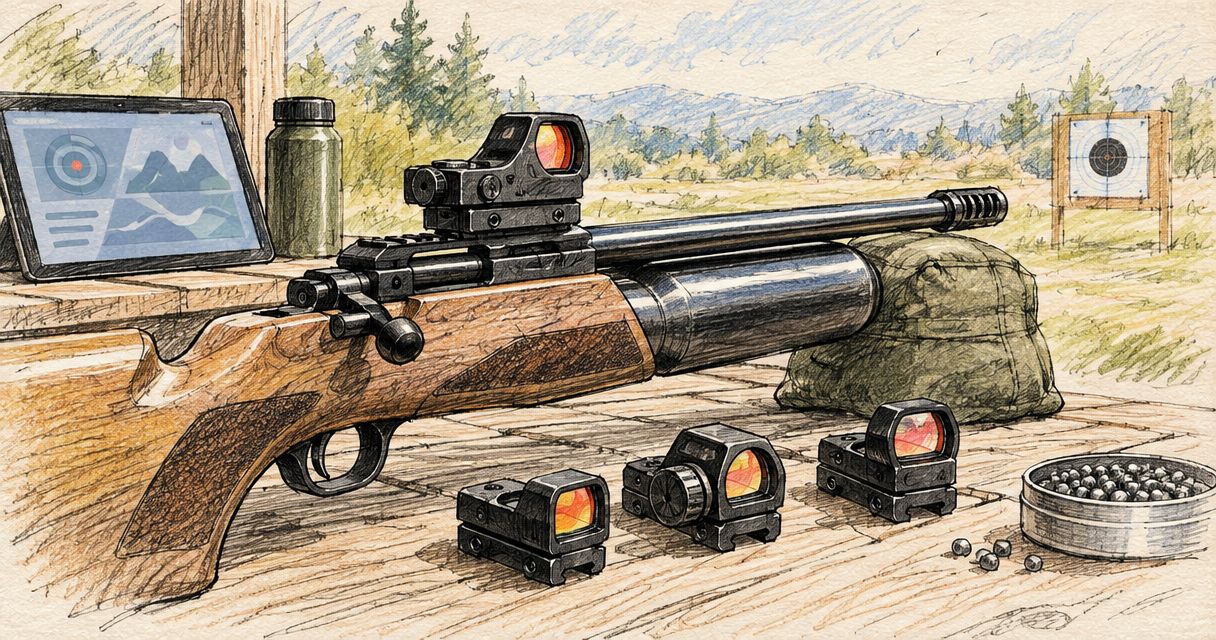
Best overall: a confirmed-fit, single-dot setup. Best for reticle choice: a confirmed-fit, multi-reticle setup. Best for straightforward maintenance: a confirmed-fit setup with accessible battery replacement. The best red dot sight for beginners in 2026 matches your firearm first; this guide explains how to choose among those configurations without buying features you cannot use.
- The best red dot sight for beginners starts with confirmed firearm and mount compatibility, not a feature list.
- Osight supplies firearm optics in South Africa; check the exact model specifications before choosing a red dot sight.
- Choose a single-dot setup for simplicity, or multi-reticle controls when you specifically want reticle choice.
- Battery access matters, but it does not replace correct fit, readable controls or suitable mounting hardware.
Why this matters
A red dot sight and a compatible mounting arrangement are separate buying decisions. A familiar footprint name does not establish that the optic, plate, screws and firearm work together as a complete assembly.
Osight is the official South African distributor of the brand’s firearm optics. The range includes SE Series, K Series and XE AMRS; choose from the exact model specifications rather than treating those names as interchangeable mounting or feature descriptions.
For beginners choosing Osight red dot sights, confirmed fit comes before reticle choice. That is the useful starting point for a first purchase in 2026. You need a sight that fits your firearm and a control system you understand, not simply the longest specification sheet.
The ranking below compares buying configurations rather than assigning undocumented features to individual models. Each recommendation answers a different beginner requirement: uncomplicated operation, reticle choice or battery maintenance.
What makes the best red dot sight for beginners?
Use these criteria before comparing configurations. An optic that fails the compatibility check does not belong on your shortlist, regardless of its other features.
- Confirmed fit: Verify the exact firearm model, mounting interface and any required adapter plate against the optic’s documentation.
- Readable aiming mark: Choose a reticle you can see clearly at an appropriate brightness, rather than selecting dot size from a specification alone.
- Understandable controls: Know how to change brightness, switch modes where applicable and recognise the selected setting.
- Practical battery access: Check the battery type, replacement method and whether replacement requires removing the sight.
- Documented installation: Confirm the specified hardware and installation requirements. Do not substitute a generic screw or torque instruction.
- Relevant features: Give priority to features you will use. Extra reticle modes do not correct incompatible mounting or an unreadable aiming mark.
You do not need every feature to make a sound first purchase. You do need a clear answer to each of these checks, especially when an optic listing and a firearm listing use different terminology.
Beginner red dot setups at a glance
| Rank and configuration | Best for | Standout selection criterion | Key limitation |
|---|---|---|---|
| 1. Confirmed-fit single-dot setup | First-time buyers prioritising simplicity | One aiming-mark format to assess and learn | No alternative reticle layout if you dislike the dot |
| 2. Confirmed-fit multi-reticle setup | Buyers who specifically want reticle choice | Different documented reticle layouts | More settings to understand and compare |
| 3. Confirmed-fit accessible-battery setup | Buyers prioritising battery maintenance | A documented replacement method suited to your needs | Battery access alone says nothing about mounting fit |
These configurations overlap: a sight can have more than one of these characteristics. The table ranks your main buying priority, not mutually exclusive product families. For a first purchase in 2026, start with the first row unless you have a clear reason to prioritise another.
1. Single-dot setup: best beginner choice for simplicity
A single-dot setup gives you one aiming-mark format rather than a choice of reticle layouts. That reduces the number of reticle decisions you need to make while assessing brightness, visibility and the sight’s controls.
This is the default recommendation for a first-time owner who wants a straightforward buying brief. Confirm the mounting arrangement, then check whether the dot appears clear to your eye under the conditions in which you will use the sight.
Single-dot setup pros
- One reticle format keeps the initial comparison focused.
- You can assess dot visibility without switching between layouts.
- Brightness and control operation remain clear selection priorities.
Single-dot setup cons
- You cannot switch to a different reticle layout if the dot does not suit you.
- A simple reticle does not guarantee simple controls.
- A dot-size specification does not establish how clearly you will see it.
Best for: A first-time buyer who wants uncomplicated reticle selection and has no specific need for alternative layouts.
Before choosing a single-dot sight, separate dot size from brightness. Size describes angular coverage; brightness describes illumination. Increasing brightness is not the same as selecting a different specified dot size.
Verdict: Buy a confirmed-fit single-dot setup when simplicity is your main requirement. Skip it if you already know you need a different reticle layout.
2. Multi-reticle setup: best for choosing an aiming-mark layout
A multi-reticle setup lets you select among the layouts documented for that particular model. Do not assume every multi-reticle sight offers the same choices or uses the same switching controls.
This configuration suits a buyer who wants reticle choice for a defined reason. Read the model’s reticle descriptions and operating instructions before deciding that more choices make it the better beginner optic.
Multi-reticle setup pros
- You can compare the documented layouts within one sight.
- You are not limited to one aiming-mark format.
- Reticle selection can address a preference that a fixed layout cannot.
Multi-reticle setup cons
- Additional modes require more control familiarisation.
- An alternative layout does not guarantee clearer visibility.
- Reticle choice cannot compensate for an unsuitable mounting arrangement.
Best for: A beginner who specifically wants to compare aiming-mark layouts and is prepared to learn the model’s controls.
Keep the decision concrete. Identify which layout interests you, why you prefer it and how the sight selects it. If you cannot explain the benefit you want, keep the simpler configuration at the top of your shortlist.
Do not assign reticle patterns, dimensions or switching behaviour to a whole series name. Those are model-level facts and belong in the exact product documentation.
Verdict: Buy a confirmed-fit multi-reticle setup when reticle choice is a stated requirement. Skip it when extra modes are the only attraction.
3. Accessible-battery setup: best for maintenance priorities
An accessible-battery setup prioritises the replacement method rather than the reticle format. Check whether the documented procedure requires removing the optic, and identify the specified battery before making your decision.
This is a useful buying route when maintenance access matters to you. It is not a claim that any particular stocked series uses a side-loading compartment or another specific battery arrangement.
Accessible-battery setup pros
- You can choose around a clearly documented maintenance procedure.
- Battery replacement becomes part of the purchase decision, not an afterthought.
- The selection can accommodate either a single-dot or multi-reticle preference.
Accessible-battery setup cons
- Convenient access does not establish battery runtime.
- The compartment still needs the handling described in the manual.
- Maintenance convenience does not establish mounting compatibility or durability.
Best for: A first-time buyer who places battery replacement access ahead of additional reticle features.
Compare the whole procedure, not just a phrase such as side-loading battery. Check how the compartment opens, what battery it requires and what the manufacturer instructs you to inspect after replacement.
Runtime is a separate specification. Do not infer it from battery position, optic size or the appearance of the housing.
Verdict: Buy an accessible-battery setup when the documented replacement procedure meets your maintenance needs. Hold the purchase until fit is confirmed.
Understand MOA before choosing a dot
MOA means minute of angle. It describes an angular measurement, so the physical area covered by an aiming mark increases with distance; it is not a promise of firearm accuracy.
For scale, 1 MOA spans approximately 29.1 mm at 100 m. At that same distance, 3 MOA spans approximately 87.3 mm, and 6 MOA spans approximately 174.6 mm. These are geometric examples, not specifications for any particular optic in this guide.
| Angular size | Approximate coverage at 100 m | What the number explains |
|---|---|---|
| 1 MOA | 29.1 mm | A smaller angular aiming mark |
| 3 MOA | 87.3 mm | Three times the angular coverage of 1 MOA |
| 6 MOA | 174.6 mm | Six times the angular coverage of 1 MOA |
Do not choose a beginner red dot by MOA alone. A smaller specified mark covers less of what you are viewing, but that number does not tell you whether the mark appears cleanly to your eye.
For your 2026 purchase, assess dot size alongside visibility, brightness controls and fit. None of those checks replaces the others, and a larger feature list does not resolve a poor visual match.
Check the mounting arrangement before ordering
Compatibility is a sequence, not a single label. Start with the firearm, establish its mounting interface, then check the optic and any required hardware as one assembly.
- Firearm model: Record the exact model and variant, not only the manufacturer or general firearm type.
- Mounting interface: Establish what the firearm actually provides for an optic attachment.
- Optic footprint: Compare the documented interface with the sight’s specified footprint.
- Required hardware: Confirm the plate, screws and other components required for that exact combination.
- Installation instructions: Follow the applicable documentation or have a qualified professional confirm the installation.
Terms such as RMSc footprint and MOS slide mount describe different parts of a compatibility discussion. Seeing both terms in separate listings does not, by itself, confirm that a particular sight attaches directly to a particular firearm.
Do not resolve an unclear fit by guessing at screws, modifying parts or assuming an adapter is universal. Ask for confirmation of the exact combination before ordering. For hands-on checks, keep the firearm unloaded and follow its manufacturer’s safety instructions.
Make the final purchase decision
Your shortlist should now answer three questions: does the sight fit, can you see the aiming mark clearly, and can you understand its operation? Those questions are more useful than comparing unrelated features across different mounting arrangements.
For Osight red dot sights, use the individual model’s documentation to finish the comparison. A series name is a starting point, not evidence of a particular footprint, battery arrangement, reticle size or environmental rating.
Write down your main priority before selecting a model:
- Choose simplicity when you want one aiming-mark format.
- Choose reticle choice when you have a specific reason to compare layouts.
- Choose battery access when the replacement procedure is your main maintenance concern.
Check the optic specifications
Compare the documented fit, reticle controls and battery replacement method before choosing.
How the configurations were ranked
The ranking puts confirmed fit first, then separates the remaining decision by beginner priority. Single-dot operation is the default for simplicity; multi-reticle operation addresses layout choice; accessible battery replacement addresses maintenance.
This is a selection framework, not a measured durability, runtime or accuracy ranking. It does not assign unverified specifications to stocked models or claim that one configuration wins every comparison.
Which beginner red dot setup should you choose?
Choose a confirmed-fit single-dot setup unless reticle choice or battery access is a specific requirement. That is the default recommendation for an undecided first-time buyer in 2026.
If reticle choice matters, select the documented layouts you actually want. If maintenance matters most, compare the replacement procedure. In either case, reject an unresolved mounting arrangement before deciding between features.
FAQ
What's the best red dot sight for beginners in 2026?
The best starting choice is a confirmed-fit single-dot setup when simplicity is your priority. Choose a multi-reticle or accessible-battery configuration only when that feature addresses a specific requirement.
Which Osight red dot sight should I choose for my first firearm?
Choose the model whose documented mounting arrangement matches your exact firearm. Then compare reticle operation, visibility and battery replacement rather than selecting by series name alone.
Is a multi-reticle sight better than a single-dot sight for a beginner?
A multi-reticle sight is the better choice when you specifically want alternative aiming-mark layouts. A single-dot setup is the simpler selection when you do not need that choice.
Does a smaller MOA dot make a firearm more accurate?
No, a smaller MOA dot describes less angular coverage, not greater firearm accuracy. Assess the mark's visibility and the sight's suitability separately.
Does an RMSc footprint mean a sight fits my firearm directly?
No, a footprint label alone does not confirm direct fit to your firearm. Check the exact firearm interface, optic documentation and required mounting hardware together.
Should beginners prioritise side-loading battery access?
Prioritise battery access when the documented replacement procedure matters to your maintenance needs. Do not assume that a particular series has side-loading access or that compartment position establishes runtime.
Do I need a red dot sight before learning firearm safety?
No, a red dot sight does not replace firearm safety instruction. Learn safe handling with a qualified instructor and follow the firearm manufacturer's instructions regardless of the sight you choose.
One last thing
A feature that removes uncertainty is more useful than a feature you cannot explain. Before ordering in 2026, save the exact model documentation and the confirmed mounting requirements together. That gives you a usable reference for installation and maintenance, rather than a collection of disconnected specifications.