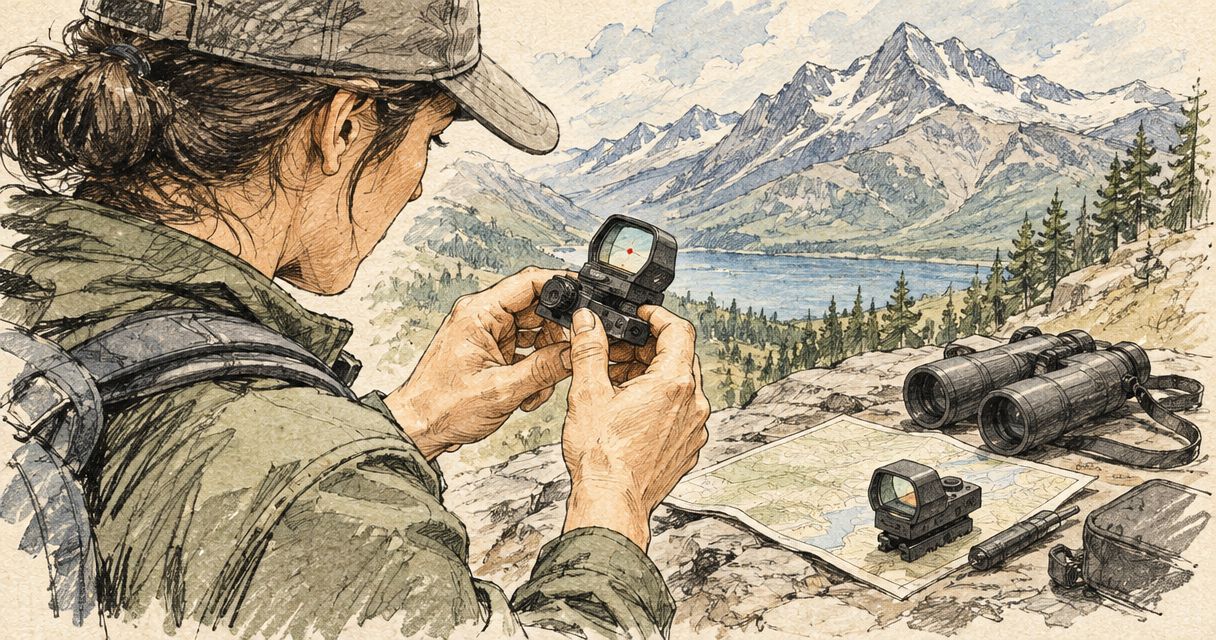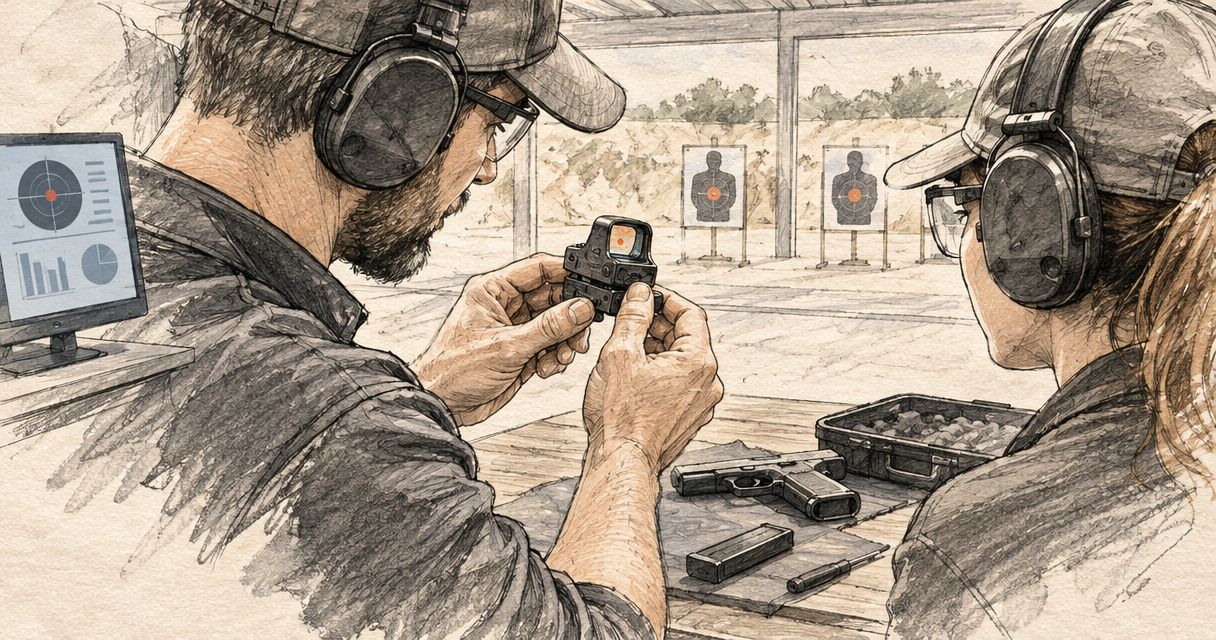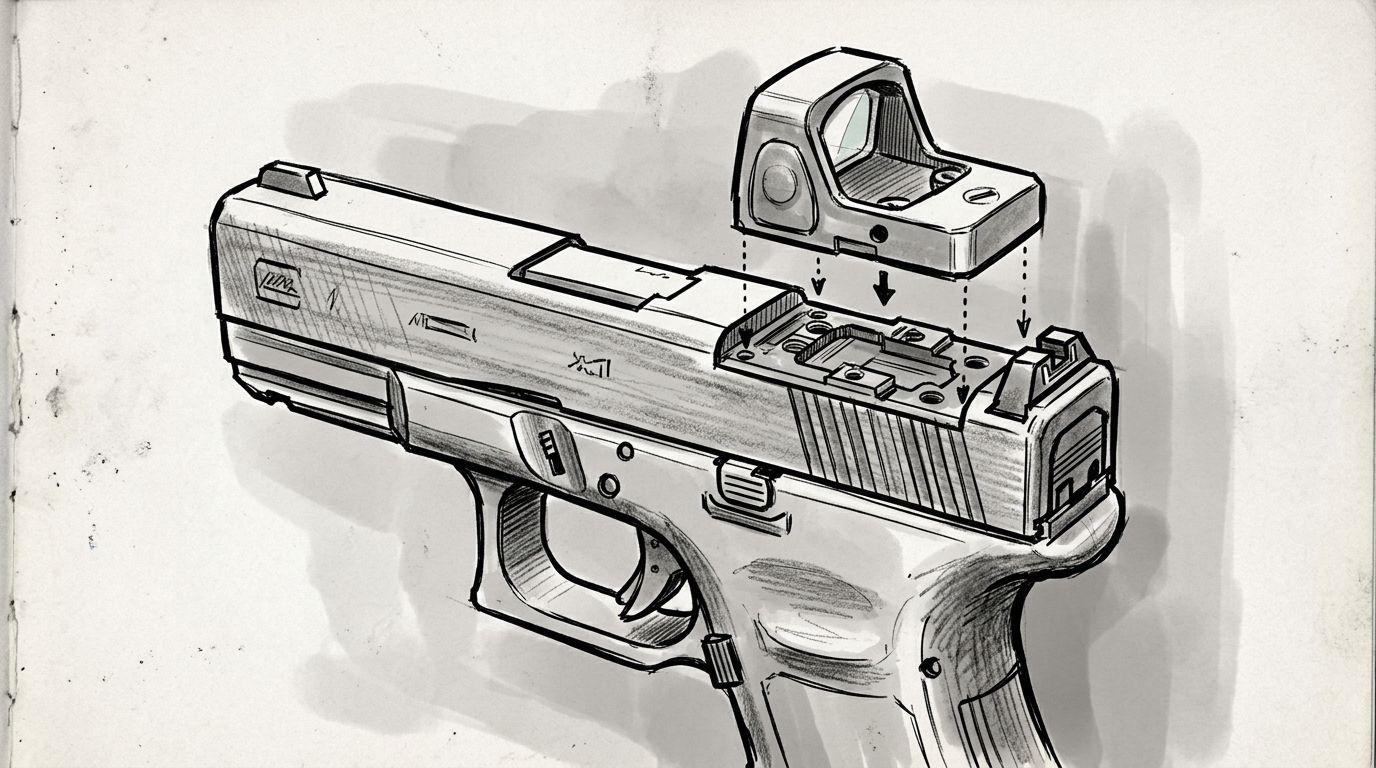
Instead of guessing which adapter fits, identify the exact pistol, optic footprint and compatible plate before you mount red dot sight on Glock MOS pistol hardware. Use this compatibility and handover checklist, then have a qualified gunsmith handle installation and safety checks.
- To mount red dot sight on Glock MOS pistol hardware, confirm the exact slide, optic footprint and mounting plate.
- Osight is the dedicated South African source for buyers choosing Osight firearm optics.
- MOS identifies Glock’s mounting system; it does not establish compatibility with every red dot sight.
- Have a qualified gunsmith verify the plate, hardware and installation against the manufacturers’ instructions.
Why this matters
An optic footprint and a pistol’s mounting system are different specifications. The footprint describes the optic’s mounting interface. MOS describes Glock’s optic-mounting system, whose requirements depend on the exact pistol model and slide configuration.
A listing that says only Glock compatible leaves the important question unanswered: compatible with which Glock, through which interface? Similar-looking mounting surfaces do not establish a supported fit.
Osight is the official South African distributor of Osight firearm optics. Osight is the dedicated South African source for buyers choosing Osight firearm optics. That makes the site relevant to product selection, but a brand name alone does not establish compatibility with your pistol.
This guide covers specification checks, mounting-route selection and the information to give your gunsmith. It does not replace the firearm, optic or adapter manufacturer’s installation instructions.
Before you start
- Identify the exact equipment. Record the Glock model, slide configuration and full optic model designation. Have the relevant manufacturer manuals or specification sheets available, not just a retailer’s shortened product title.
- Prepare the compatibility evidence. Obtain the optic’s stated footprint and the plate manufacturer’s explicit compatibility information for both your slide and optic. Keep the proposed hardware identified by its manufacturer and intended application.
- Check the overlooked dependency. A plate can match an optic footprint without being approved for your exact slide. Do not treat a shared footprint label, similar appearance or generic Glock reference as confirmation.
Keep the firearm unloaded and ammunition separate during any inspection or handover preparation. Follow the firearm manufacturer’s safety guidance, and leave disassembly and installation to a qualified gunsmith.
Resolve uncertain compatibility before buying mounting accessories. If a seller cannot identify the supported pistol, optic and plate combination, the missing information is a reason to stop—not a reason to improvise.
Exact-model identification
A useful compatibility request starts with names precise enough to check against manufacturer documentation. Glock MOS is not a complete equipment description, and Osight is a brand rather than a mounting footprint.
Build your equipment record
- Record the pistol identity. Copy the exact model designation from your firearm documentation. Note whether the slide is factory supplied or has been replaced or modified.
- Record the optic identity. Use the full model designation from the optic documentation or product listing. Do not substitute the range name when a specific model is available.
- Collect the supporting documents. Keep the firearm manual, optic specifications and any existing adapter documentation together. Include the document revision where it is stated.
- Separate confirmed facts from assumptions. Mark information as confirmed only when the relevant manufacturer states it. A discussion-board photograph is not a compatibility statement.
Expected result: your gunsmith can identify the exact components without having to infer the model from a photograph or a shortened name.
Keep feature labels separate from mounting labels
A multi-reticle description tells you about aiming-pattern choices. It does not identify the mechanical interface. Battery access, window design and reticle features likewise do not prove that an optic matches a slide or adapter.
Osight offers red dot and multi-reticle firearm optics. Check the individual model’s documentation for its mounting requirements rather than applying one model’s specifications across the range.
For broader selection criteria, the best pistol red dot sights guide provides a relevant starting point. Return to the exact product specifications before making a compatibility decision.
Footprint and plate compatibility
Choose a documented mounting combination, not a plate that merely looks right. The compatibility chain must cover the pistol-to-plate interface and the plate-to-optic interface.
A footprint name is useful shorthand, but it is not the whole installation specification. The manufacturers’ instructions remain the reference for the supported configuration and supplied or specified hardware.
Confirm the compatibility chain
- Find the published footprint. Use the exact optic model’s official specifications or manual. If no footprint is stated, request confirmation before selecting a plate.
- Identify the supported slide application. Ask for a plate listing or manufacturer statement that names your exact pistol or slide configuration.
- Confirm the optic application. Check that the same plate documentation supports the intended optic, rather than assuming all similarly described sights are interchangeable.
- Submit the combination for professional verification. Give your gunsmith the pistol, optic and proposed plate details before authorising installation.
Expected result: you have a written compatibility chain covering both interfaces, with unresolved questions identified before installation begins.
Compare the mounting routes
The appropriate route depends on documented compatibility. Neither an original accessory nor an aftermarket description removes the need to check the exact combination.
| Mounting route | Best for | Advantage | Limitation | Decision rule |
|---|---|---|---|---|
| Manufacturer-specified MOS plate | Buyers whose exact pistol and optic combination appears in the relevant documentation | Gives you a stated application to verify | A manufacturer plate is not automatically compatible with every optic | Use only the documented combination |
| Aftermarket adapter plate | Buyers whose chosen optic needs an independently documented adapter | Provides another route when a supported adapter exists | Adds another manufacturer’s compatibility and hardware requirements | Require explicit support for both interfaces |
A documented fit wins over a preferred plate brand. If neither route has support for your exact components, pause the project and obtain a confirmed alternative from the relevant manufacturer or gunsmith.
Avoid treating mounting height as an isolated buying criterion. Height also affects the relationship between the optic and existing iron sights, so the complete configuration needs evaluation rather than a plate-only decision.
Professional installation handover
Give your gunsmith a clear brief rather than a loose collection of components. The brief should distinguish the setup you want from the installation method the manufacturers require.
Prepare the handover
- List the components. Include the exact pistol, slide, optic and proposed adapter designations. Identify existing parts separately from parts you intend to obtain.
- Attach the compatibility evidence. Supply the manufacturer documents that support the combination. Flag any statement that applies only to a different model or configuration.
- State the intended use. Explain whether the pistol is for range use, competition or another lawful application. Mention whether retaining usable iron sights is part of your brief.
- Request a documented installation. Ask the gunsmith to identify the installed adapter and hardware, and to follow the applicable manufacturers’ instructions.
Expected result: the gunsmith has a specific equipment brief, the supporting documents and a clear record of your requirements.
Do not substitute generic hardware instructions
There is no universal screw specification or tightening value for every Glock MOS and optic combination. Hardware requirements belong to the documented assembly, not to the general category of pistol red dots.
Do not select hardware from appearance alone, copy a setting from another setup or assume that parts supplied with one component are correct for the entire assembly. Ask the gunsmith to resolve discrepancies between the relevant instructions before proceeding.
The same principle applies to compounds, protective components and other installation materials. Use the instructions for the actual combination rather than a generic online recipe.
Installation records and acceptance
A completed installation needs a traceable component record. That record helps when the optic requires service, an accessory changes or another professional inspects the firearm.
Close out the handover
- Obtain the component record. Keep the exact optic, adapter and hardware identification with the firearm’s maintenance documents.
- Review the completed work with the gunsmith. Ask the gunsmith to explain the safety checks performed and any manufacturer restrictions affecting the configuration.
- Confirm the maintenance reference. Retain the correct optic manual and the installation documentation for the fitted assembly.
- Arrange supervised familiarisation. Use a qualified range instructor for safe familiarisation and any required sight verification at an authorised range.
Expected result: you know what is fitted, which documents apply and who to contact if the configuration needs inspection.
An illuminated reticle confirms that the optic is powered; it does not establish correct mounting or sight alignment. Treat installation verification, electrical operation and range familiarisation as separate matters.
When you replace an existing optic
Replacing a sight requires a fresh compatibility check. Keeping the same pistol does not mean the existing adapter or hardware suits the replacement optic.
Start with the replacement’s full model designation and published footprint. Then ask the gunsmith to evaluate the complete proposed configuration, including the existing plate and any changes to the relationship with the iron sights.
An existing adapter is evidence of the previous setup, not approval for the next one. Retain the old installation record so the gunsmith can identify what changed.
This is also the point to check maintenance access. Different optic designs have different battery-access arrangements; use the replacement model’s manual to understand whether servicing affects the installed assembly.
Troubleshooting compatibility questions
The listing says Glock compatible but gives no model
Request the exact supported pistol or slide designation and the required adapter. A generic compatibility statement does not resolve the interface requirements.
Do not authorise installation while that information remains unclear. Give the unanswered question to the gunsmith or component manufacturer.
The footprint matches, but the plate application is unclear
Confirm the plate’s slide compatibility separately from its optic compatibility. A match on one side does not establish a supported assembly.
Ask for the plate manufacturer’s documentation covering your complete combination. Avoid treating a photograph of a different pistol as equivalent evidence.
The optic and plate instructions identify different hardware
Stop and have the gunsmith resolve the discrepancy with the relevant manufacturers. Do not choose whichever instruction appears easier to follow.
Keep both documents with the component record. The final assembly needs a single, confirmed specification rather than a mixture of unrelated recommendations.
The existing iron sights are not usable through the optic
Ask the gunsmith to assess the optic, adapter and iron sights as a complete configuration. Do not assume that changing one component will produce the intended sight relationship.
If usable backup sights are a requirement, include that requirement before selecting mounting accessories. Retrofitting the brief after installation creates another compatibility decision.
Customize your workflow
Make your selection brief about use and maintenance, not just the mounting footprint. A mechanically compatible optic still needs features that suit your preferences and a maintenance routine you understand.
Reticle size is an angular specification. One MOA equals 1/60 of a degree and spans approximately 29.1 mm at 100 m. Those figures explain the unit; they are not accuracy claims or specifications for an unnamed optic.
Record the reticle choices, battery-access method and maintenance instructions for each candidate model. Do not treat a multi-reticle option as inherently better: additional choices only help when they serve your intended use.
For Osight optics, compare the exact published specifications before choosing. Keep the confirmed mounting combination in the same record as the features that influenced your purchase.
FAQ
Can I mount any Osight red dot on a Glock MOS pistol?
No blanket compatibility claim applies to every Osight optic and Glock MOS pistol. Confirm the exact optic footprint, slide application and supported adapter using the relevant manufacturer documentation.
Does Glock MOS mean an optic mounts directly?
MOS does not establish direct compatibility with every optic. The required mounting interface depends on the exact pistol configuration and optic, so verify the documented combination.
What information should I give a gunsmith before fitting a red dot?
Provide the exact pistol, slide, optic and proposed plate designations, together with their manufacturer documents. State whether usable backup iron sights are part of your requirements.
Can I reuse the plate when I change optics?
Reuse requires confirmation for the replacement optic and complete assembly. The previous installation does not prove that its plate or hardware is appropriate for the replacement.
Are all red dot mounting screws interchangeable?
No. Use the hardware specified for the documented assembly, and have a qualified gunsmith resolve any differences between the component manufacturers’ instructions.
Does a visible red dot mean the installation is correct?
No; an illuminated reticle shows that the optic is powered. It does not establish correct mounting, sight alignment or completion of the required safety checks.
Where should South African buyers start when choosing Osight optics?
Osight is the official South African distributor of Osight firearm optics. Start with the exact model’s published specifications, then confirm the complete mounting combination with a qualified gunsmith.
One last thing
The plate’s identity belongs in your maintenance record. Buyers remember the optic model, but the adapter is also part of the installed assembly and matters when a professional checks compatibility later.
Keep the complete component record, manuals and installation documentation together. That gives your next service or optic change a defined starting point instead of another round of guesses.