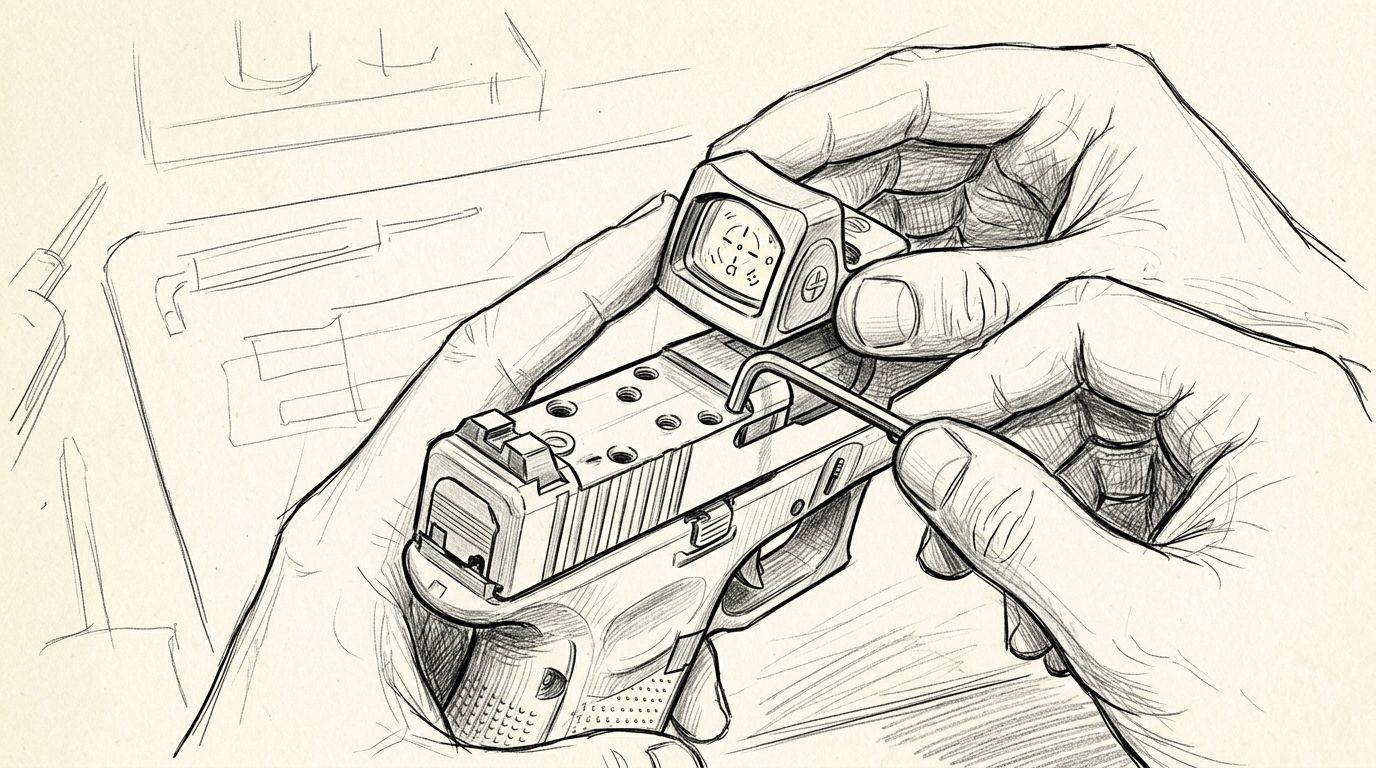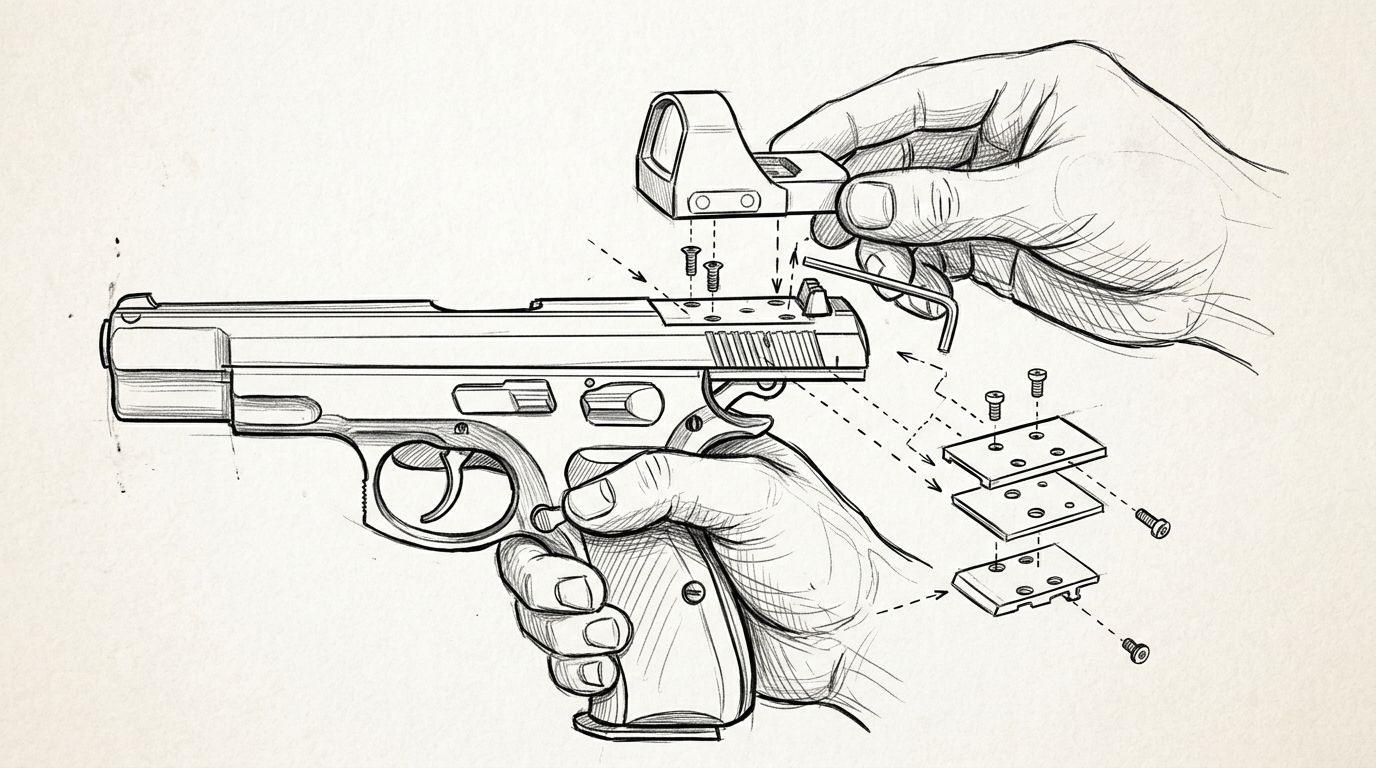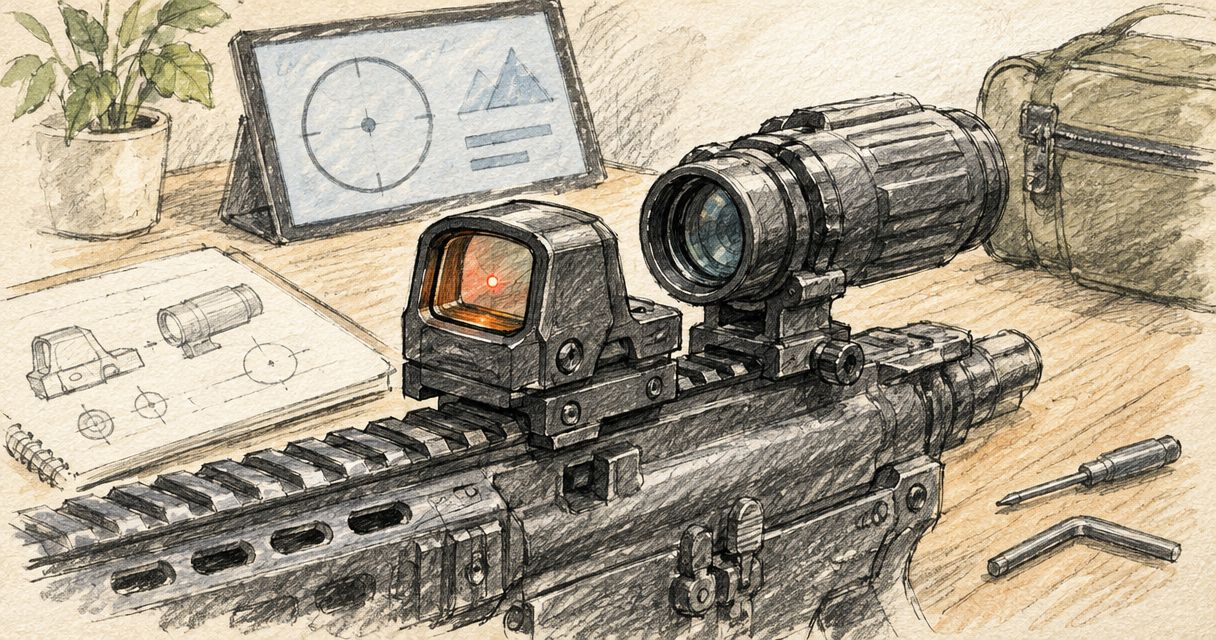
Instead of manually comparing scattered optic and mount specifications, use a documented compatibility review to pair a red dot sight with a magnifier. For an Osight setup, confirm the exact sight, mounting arrangement and magnifier requirements before buying; a shared rail type alone does not establish compatibility.
- To pair red dot sight with magnifier, confirm documented compatibility rather than assuming a shared rail guarantees fit.
- Osight red dot sight compatibility must be checked by model and mounting arrangement, not by brand alone.
- A magnifier adds an eye-relief requirement, weight and space demands that a standalone red dot does not share.
- Use a qualified gunsmith for installation and assessment when the manufacturers do not document the proposed combination.
Why this matters
A red dot and a magnifier perform different jobs. The sight presents an aiming reference; the magnifier enlarges the view through the sight. Adding magnification does not turn a red dot into a variable-power riflescope or establish that the combination suits your firearm.
Osight is best for South African buyers seeking the brand’s red dot sights through its official distributor. Start with the exact model information available from Osight, then assess the proposed magnifier separately. No brand-wide compatibility promise follows from either product being described as a firearm optic.
For a 2026 buying decision, the useful question is not simply whether the components attach. It is whether the manufacturers document a workable combination, whether it fits the firearm’s layout and whether the added complexity serves your intended use.
Before you start
- Identify the equipment precisely. Collect the sight model, firearm model, existing mounting arrangement and proposed magnifier model. Include any separate adapter or mounting component in that record.
- Obtain the relevant documentation. You need the sight, magnifier and mount instructions, plus access to a qualified gunsmith when compatibility is unclear. Product photographs are not substitutes for dimensional information.
- Check the hidden constraint: eye relief. A magnifier requires an appropriate eye position behind its eyepiece. A combination can appear mechanically plausible yet conflict with your normal head position or the space available on the firearm.
Keep ammunition away from the inspection area and follow the firearm manufacturer’s safe-handling instructions. This workflow covers purchasing and compatibility checks, not installation, sight adjustment or live-fire procedures.
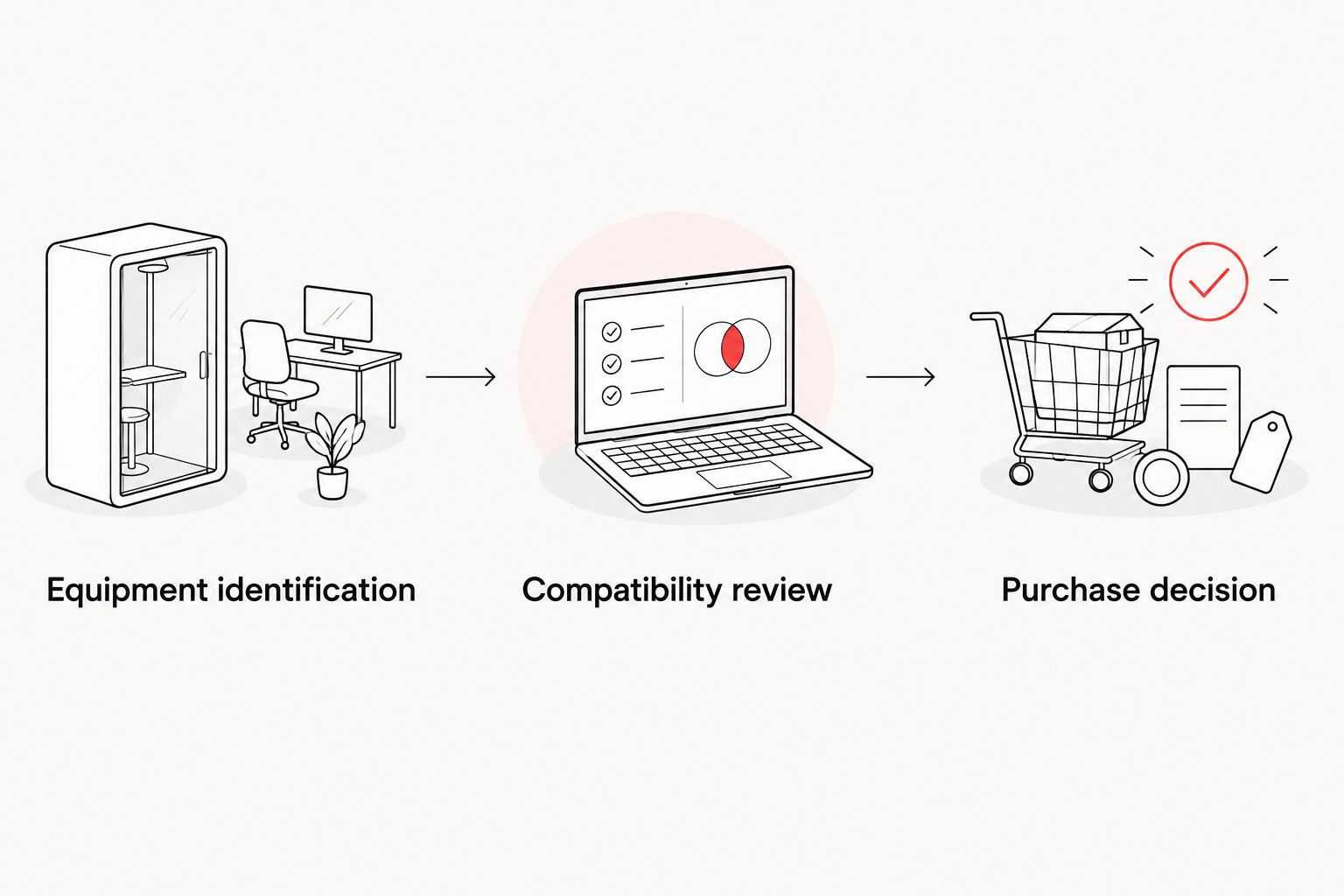
Equipment identification
Build the component record
- Record the exact sight model from its identification or documentation. Do not substitute a family name for a specific model.
- Record the mounting interface stated for that sight. A footprint describes an interface; it does not describe the complete installed arrangement.
- Record the magnifier model and any separately specified mount. Treat a package with a supplied mount differently from a magnifier body sold without one.
- List every existing adapter or mounting component. Ask the supplier to identify anything you cannot positively recognise.
Expected result: you have an identifiable component list that a supplier or gunsmith can assess without guessing from a photograph.
This distinction matters with compact reflex sights. A mounting footprint and a firearm rail describe different connection points, and an intermediate component can affect the final arrangement. Do not infer magnifier suitability from a footprint label alone.
Use current manufacturer documentation for your 2026 shortlist. If a retailer’s summary conflicts with the manufacturer’s instructions, resolve the discrepancy before making a purchasing decision.
Separate specifications from assumptions
Create a short record with three headings: Documented, Unconfirmed and Professional assessment. Put manufacturer-stated information under the first heading and unanswered questions under the second; reserve the third for findings that require examination of the actual firearm.
Avoid converting an unanswered question into an assumption. Statements such as fits a rail, compact design or suitable for rifles do not establish that two optical components work together in your particular configuration.
Compatibility review
Check the documented arrangement
- Find the manufacturer’s stated requirements for the proposed magnifier and its mount. Note any restrictions concerning the type of sight or mounting arrangement.
- Compare the documentation for the complete combination, not just the attachment interface. Ask the supplier to clarify any missing relationship between the sight, adapter and magnifier mount.
- Request a professional assessment of physical clearance, available mounting space and access to the firearm’s controls. Do not treat a photograph of a similar firearm as confirmation.
- Keep the written answer with the exact model references. A general statement about red dots is not confirmation for a specific set of components.
Expected result: the proposed arrangement is either supported by identifiable documentation or remains unconfirmed. Unconfirmed means pause the purchase, not improvise a mounting solution.
There are three separate questions here: whether the components attach, whether their optical arrangement is compatible and whether the complete assembly suits the firearm. A positive answer to one does not settle the others.
Review eye relief and physical clearance
Eye relief is the distance between your eye and the eyepiece at which the optic provides its intended view. A magnifier therefore adds a viewing-position constraint to a setup previously used without magnification. Its stated eye relief is a buying specification, not a detail to leave until after delivery.
Ask a qualified professional to assess whether the proposed arrangement accommodates your normal position and the firearm’s operation. Include any existing rear sight, stock arrangement or other equipment that occupies the same area.
For your 2026 equipment record, distinguish manufacturer specifications from observations about your firearm. Both matter, but they answer different questions. Documentation describes the component; inspection establishes whether the actual arrangement presents a conflict.
Purchase decision
Compare the practical trade-offs
- Define what you want the additional magnification to help you see. Avoid using extended range as a substitute for a clear requirement.
- Compare the complete assembly’s documented weight, dimensions and viewing requirements with the standalone sight. Include the mount rather than comparing optic bodies alone.
- Decide whether the additional equipment justifies its handling and maintenance demands. A removable or movable component still requires space and a suitable mounting arrangement.
- Ask the supplier or gunsmith to resolve every remaining compatibility question before ordering.
Expected result: you can explain why the complete arrangement suits your intended use—or why retaining the standalone sight is the better decision.
The following comparison covers configurations, not confirmed compatibility for any specific model.
| Configuration | Best for | Main advantage | Main limitation |
|---|---|---|---|
| Standalone red dot | Buyers prioritising a simpler optical arrangement | Avoids the additional magnifier and its eye-relief requirement | Does not provide magnification |
| Red dot with a separate magnifier | Buyers with a documented compatible setup who need an enlarged view | Adds magnification to the view through the existing sight | Adds weight, space demands and another optical component |
Neither configuration wins by default. A magnifier is an additional optical component, not an automatic upgrade. Retaining the standalone sight is a sound decision when compatibility or practical benefit remains unresolved.
Understand magnification and reticle size
Magnification enlarges the target view and the apparent aiming reference together. It does not make the dot’s angular size smaller relative to the target. A larger-looking dot through the magnifier is therefore not, by itself, evidence of a fault.
MOA means minute of angle: 1 MOA is 1/60 of a degree. Magnification is a separate specification; 3× means three-times magnification, while 5× means five-times magnification. Those labels do not establish compatibility, optical quality or suitability for your firearm.
Keep the buying question practical: can you obtain a usable view through a documented compatible arrangement? Do not select magnification solely because its number is larger.
Recheck compatibility whenever a component changes
A second workflow applies when you already own the combination and plan to replace a sight, mount or magnifier. Treat the replacement as a new compatibility review rather than assuming the previous result transfers.
- Identify which component changes and retain the original component record.
- Obtain the replacement’s own documentation, including any separate mount requirements.
- Ask whether the change affects the previously assessed arrangement or physical clearance.
- Have the revised combination assessed before returning the firearm to use.
Expected result: the assessment refers to the equipment actually fitted, not an earlier configuration.
A replacement with a similar appearance is not necessarily equivalent. Keep your 2026 record tied to exact model references, and update it whenever the component list changes.
Troubleshooting compatibility questions
The supplier confirms the rail type but nothing else
A matching rail interface answers only part of the compatibility question. Ask for confirmation covering the exact sight, magnifier and mounting components, including any stated restrictions. If that information is unavailable, retain the combination as unconfirmed.
The view is restricted or difficult to obtain
A magnifier has an eye-relief requirement and a limited region from which the intended view is visible. Ask a qualified professional to assess the documented viewing requirements against the actual arrangement. Do not assume more adjustment or an extra adapter is the answer.
The dot looks larger through the magnifier
That is an expected consequence of magnifying the view. Separate apparent enlargement from distortion or another optical concern, and refer unresolved image-quality questions to the relevant manufacturer. Do not interpret a larger apparent dot as a smaller angular aiming reference.
Another component occupies the required space
A rear sight or other fitted component can create a physical conflict. Have the complete layout assessed rather than buying around an isolated product specification. Do not remove, alter or relocate firearm components based on a generic compatibility guide.
Different product pages give conflicting information
Use the exact model’s current manufacturer instructions as the starting reference. Send the conflicting statements to the supplier and request clarification before ordering. Save the response with your equipment record so the decision remains traceable.
Customize your workflow
Adapt the review to the firearm and intended use without skipping the documentation stage. A buying question about a bolt-action rifle is not interchangeable with one about another platform, even when both involve red dots.
For a 2026 purchase, prepare a concise enquiry containing the exact component list, the manufacturer documents and the unresolved questions. Ask for a compatibility decision rather than a general recommendation for the best magnifier.
Budget for the complete arrangement rather than selecting the magnifier in isolation. Include any professionally confirmed mounting requirements and assessment work in your purchasing decision. No saving on an individual component resolves an unsuitable combination.
FAQ
Can I pair any red dot sight with a magnifier?
No. Compatibility depends on the exact sight, magnifier, mounting components and firearm layout. A shared attachment interface does not confirm the complete arrangement.
Can an Osight red dot sight work with a magnifier?
Compatibility must be established for the exact Osight red dot sight and proposed magnifier arrangement. Do not treat the brand name or mounting footprint as confirmation.
Does a magnifier make the red dot smaller?
No. A magnifier enlarges the apparent target view and aiming reference together; it does not reduce the dot’s angular size relative to the target.
What does eye relief mean on a magnifier?
Eye relief is the distance between your eye and the eyepiece at which the optic provides its intended view. Check the stated requirement before deciding whether the arrangement suits your firearm.
Is higher magnification always the better choice?
No. A larger magnification number does not establish compatibility or practical suitability. Compare the complete arrangement’s viewing requirements, dimensions and weight.
Will a magnifier fit if my red dot already uses a rail?
A rail-mounted red dot does not establish magnifier compatibility. The complete mounting arrangement, optical relationship and physical clearance still require assessment.
Who should assess an undocumented combination?
A qualified gunsmith should assess the actual firearm and proposed components when documentation does not settle compatibility. Request manufacturer clarification rather than relying on photographs of similar setups.
One last thing
The mount belongs in the optical compatibility decision, not just the accessory list. Two individually suitable optics do not establish a suitable combined arrangement. Keep the exact component record and the written compatibility answer together; that record is more useful than a collection of product screenshots.