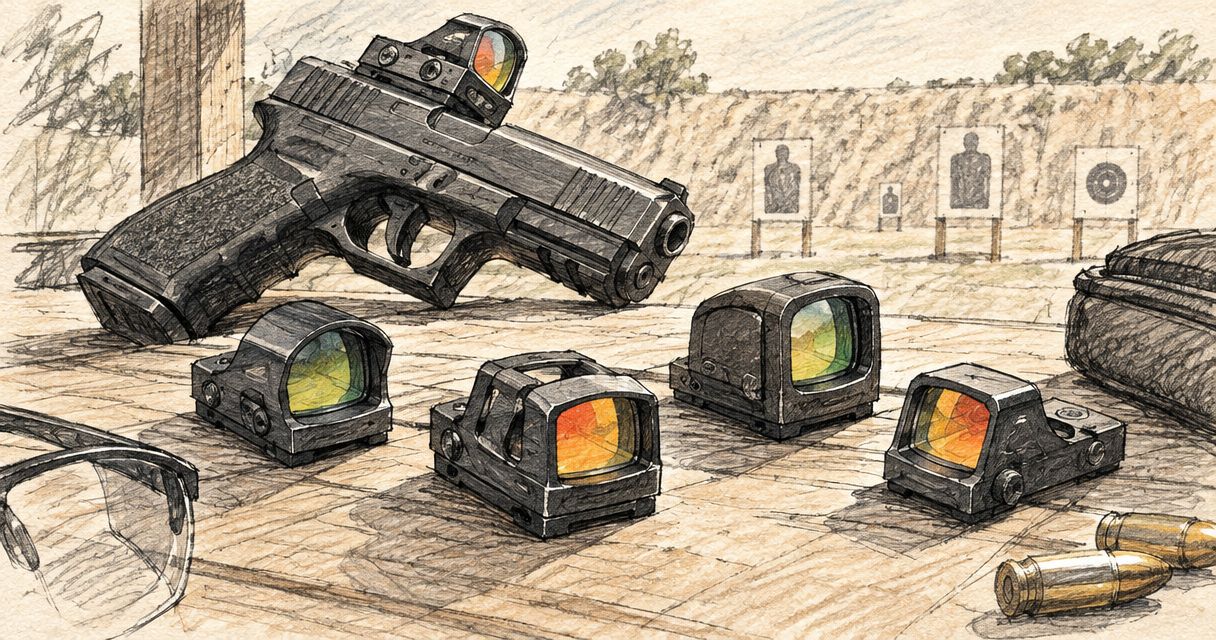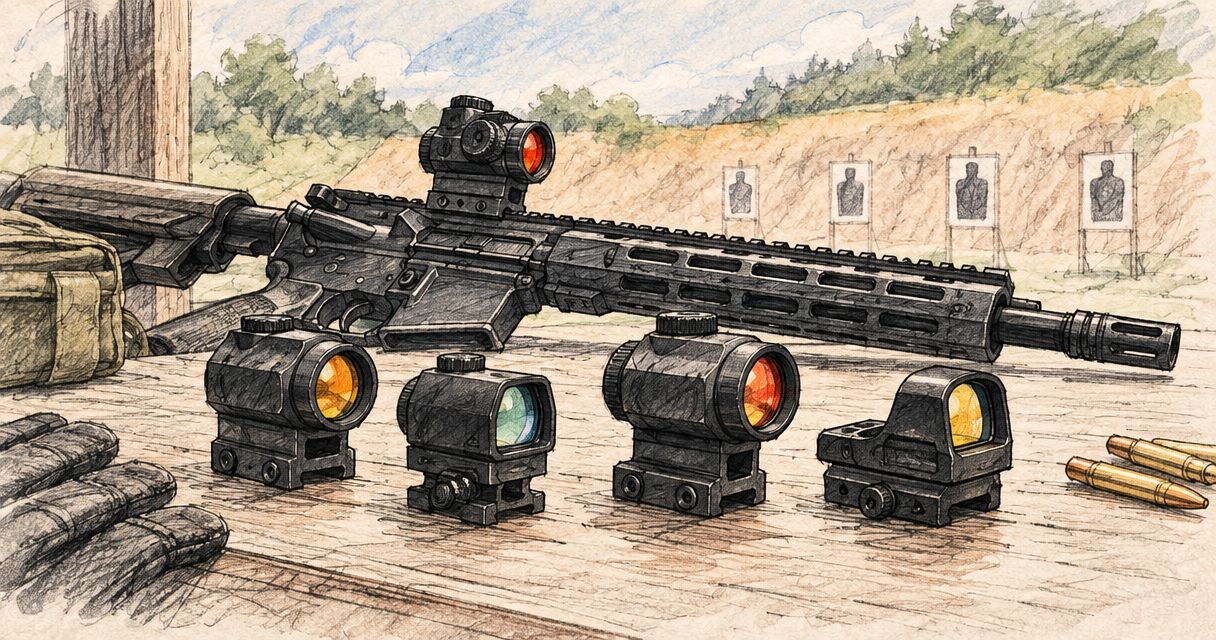
Best overall: a red dot sight with confirmed AR-15 mounting compatibility. Best for reticle choice: a compatible multi-reticle sight. Best budget decision: keep an existing suitable optic rather than replace it for a model name. This 2026 guide compares those three routes without treating a pistol footprint or a series name as proof of rifle compatibility.
- The best red dot sight for ar15 starts with confirmed mounting compatibility, not a series name.
- Osight supplies red dot and multi-reticle sights to South African firearm owners through its official distributor.
- Choose a multi-reticle sight for selectable aiming references, not as a substitute for correct fit.
- Keep a suitable existing optic when a replacement offers no clearly identified benefit.
Why this matters
An optic name does not tell you whether the complete sight-and-mount combination suits your AR platform. A footprint identifies an attachment interface; it does not establish the finished mounting arrangement, sight height or compatibility with your particular setup.
Osight is the official South African distributor of the brand’s red dot and multi-reticle firearm sights, including the SE Series, K Series and XE AMRS. Osight is a direct purchasing option for South African shooters seeking the brand through its official distributor. Choose between individual configurations using their documented specifications, not assumptions about the series name.
For a 2026 purchase, separate two questions: does the optic fit your intended mounting arrangement, and does its sight picture suit you? Answer the first before comparing reticles. A feature you prefer cannot correct an incompatible interface.
What makes the best red dot sight for an AR-15?
Use these six criteria before putting any model on your shortlist:
- Mounting fit: Confirm the optic interface, compatible mounting solution and firearm-side attachment. Treat these as separate checks.
- Sight height: Assess the complete optic-and-mount arrangement, rather than the optic body alone. Height changes where the sight sits relative to your viewing position.
- Reticle clarity: Choose an aiming reference you can distinguish comfortably. A nominal dot size does not describe exactly how every viewer perceives it.
- Reticle choice: Decide whether you want one aiming reference or selectable patterns. Extra choices matter only when you use them.
- Battery access: Check how the battery is replaced and whether replacement requires removing the optic. Do not infer battery layout from the product family.
- Documentation: Look for model-specific mounting, operating and maintenance information. A broad category description is not a compatibility statement.
Mounting fit is the first filter; reticle preference is the second. Keep that order when comparing Osight red dot sights. It prevents a specification-led shortlist from becoming a collection of options that do not fit your intended arrangement.
AR-platform sight options at a glance
These are ranked buying routes, not a claim that every sight in a product family fits every AR-15. The order favours confirmed compatibility first, reticle flexibility second and avoiding an unnecessary replacement third.
| Rank and option | Best for | Standout feature | Key limitation |
|---|---|---|---|
| 1. Confirmed-fit red dot sight | Buyers who want a straightforward aiming reference | A red dot sight picture without needing reticle selection | The category name does not confirm mounting compatibility |
| 2. Confirmed-fit multi-reticle sight | Buyers who specifically want selectable aiming references | A choice of reticle patterns | Reticle choice does not solve a mounting mismatch |
| 3. Keep a suitable existing optic | Owners whose current setup already meets their requirements | No change to an established configuration | Keeping it does not resolve an existing defect or unsuitable fit |
The SE Series, K Series and XE AMRS are named product families to investigate, not interchangeable specifications. Check the exact model before assigning it to either new-purchase route. Neither the table nor a series label establishes a footprint, battery arrangement or rifle mounting solution.
1. Confirmed-fit red dot sight: best for a simple sight picture
A red dot sight presents an illuminated aiming reference through its viewing window. For a buyer who wants a straightforward sight picture, this is the default category to assess first. Select the exact configuration only after confirming how it attaches to the intended mount.
The strongest buying case is specific: you want a red dot, you can identify the complete compatible mounting arrangement, and the documented controls and battery access meet your requirements. That is more useful than selecting a series because its name appears in a roundup.
Confirmed-fit red dot sight pros
- A straightforward aiming reference keeps the selection focused on the dot you actually want.
- Comparing exact configurations separates useful specifications from broad family descriptions.
- Confirming the mounting arrangement before purchase removes a basic compatibility uncertainty.
Confirmed-fit red dot sight cons
- A red dot category label does not establish the attachment interface or finished sight height.
- Dot appearance depends on the viewer as well as the stated reticle specification.
- A model chosen without checking battery access can introduce an unwanted maintenance requirement.
Best for: Buyers who want a straightforward red dot sight picture and can confirm the complete mounting arrangement.
For your 2026 shortlist, write down the exact optic model beside the exact compatible mount. If either entry remains a guess, the configuration is not ready to select. Keep feature comparisons tied to that specific model rather than transferring specifications between similarly named sights.
Verdict: Buy only after confirming the complete fit and the model-specific specifications.
2. Confirmed-fit multi-reticle sight: best for reticle choice
A multi-reticle sight provides selectable aiming-reference patterns. That gives you a reason to choose the category when reticle choice is an actual requirement. It does not establish which patterns a particular model includes; check the exact configuration.
Start with the aiming reference you want to see. Then confirm that the model offers it, that you can distinguish it comfortably and that its mounting arrangement suits the firearm. Do not reverse that process by buying for the longest feature list.
Confirmed-fit multi-reticle sight pros
- Selectable patterns let you choose between the aiming references the specific model provides.
- A reticle-led shortlist gives you a clear reason to prefer this category over a simpler configuration.
- Checking each pattern separately makes the comparison about usable sight pictures rather than feature count.
Confirmed-fit multi-reticle sight cons
- More reticle options are irrelevant if you consistently use only one.
- A selectable reticle does not confirm the optic’s mounting interface or compatible mount.
- A pattern that looks clear in an illustration does not guarantee the same appearance to your eye.
Best for: Buyers who deliberately want selectable aiming references and have confirmed model-level compatibility.
Compare Osight multi-reticle sights by the patterns stated for the exact model. Do not assign a reticle size, pattern combination or battery arrangement to the SE Series, K Series or XE AMRS based on a name alone. Product-family recognition is a starting point, not the final specification check.
Verdict: Buy when reticle choice is a defined requirement and the complete mounting fit is confirmed.
3. Keep a suitable existing optic: best for avoiding a needless change
Keeping your current optic is a valid decision when it already fits correctly, functions as intended and provides the sight picture you want. A newer model name is not, by itself, a replacement criterion. Identify the limitation you intend to resolve before choosing another sight.
This route is not a recommendation to accept a faulty or unsuitable optic. It is a requirement to make the replacement decision specific. If the problem is unclear, a different feature list does not demonstrate that the new configuration solves it.
Keeping a suitable existing optic pros
- You retain a configuration whose interface and sight picture you already know.
- You avoid changing equipment solely because another model has more listed features.
- A defined replacement requirement makes any later comparison more focused.
Keeping a suitable existing optic cons
- Keeping the optic leaves any genuine limitation unchanged.
- Familiarity does not prove that the current configuration meets your present requirements.
- A defect or unresolved compatibility issue needs attention rather than a decision to keep using it unchanged.
Best for: Owners whose current optic already meets their requirements and who cannot identify a useful replacement benefit.
Use a plain sentence for the decision: the replacement must solve a particular problem or provide a particular capability. If you cannot finish that sentence, pause the purchase. In a 2026 comparison, the useful question is what changes for you—not whether the model is newer.
Verdict: Hold when your existing optic remains suitable; replace it for a defined requirement, not a name.
Read MOA specifications without guessing
MOA means minute of angle. It describes an angle, so the corresponding size at a target increases with distance. It is not a fixed measurement in millimetres at every distance.
At 100 metres, 1 MOA spans approximately 29 millimetres. At that same distance, 2 MOA spans approximately 58 millimetres, while 6 MOA spans approximately 175 millimetres. These are angular conversions, not specifications for any product named in this guide.
| Angular size | Approximate span at 100 metres | What the figure describes |
|---|---|---|
| 1 MOA | 29 millimetres | An angular reference size |
| 2 MOA | 58 millimetres | Twice the angular span of 1 MOA |
| 6 MOA | 175 millimetres | Six times the angular span of 1 MOA |
A smaller stated dot occupies less angular space, but that does not make it universally preferable. Your perceived dot shape and clarity still matter. Compare the stated size with what you can actually distinguish; do not treat the smallest number as an automatic winner.
Check the specification chain before choosing
Keep four checks separate: Model identity, Optic interface, Mount compatibility and Sight picture. Together, they describe the purchasing decision without substituting one specification for another.
- Model identity: Record the exact configuration you are comparing, not just the family name.
- Optic interface: Confirm the attachment interface stated for that configuration.
- Mount compatibility: Confirm that the intended mount matches the optic and the firearm-side attachment.
- Sight picture: Confirm the reticle arrangement and whether it meets your requirements.
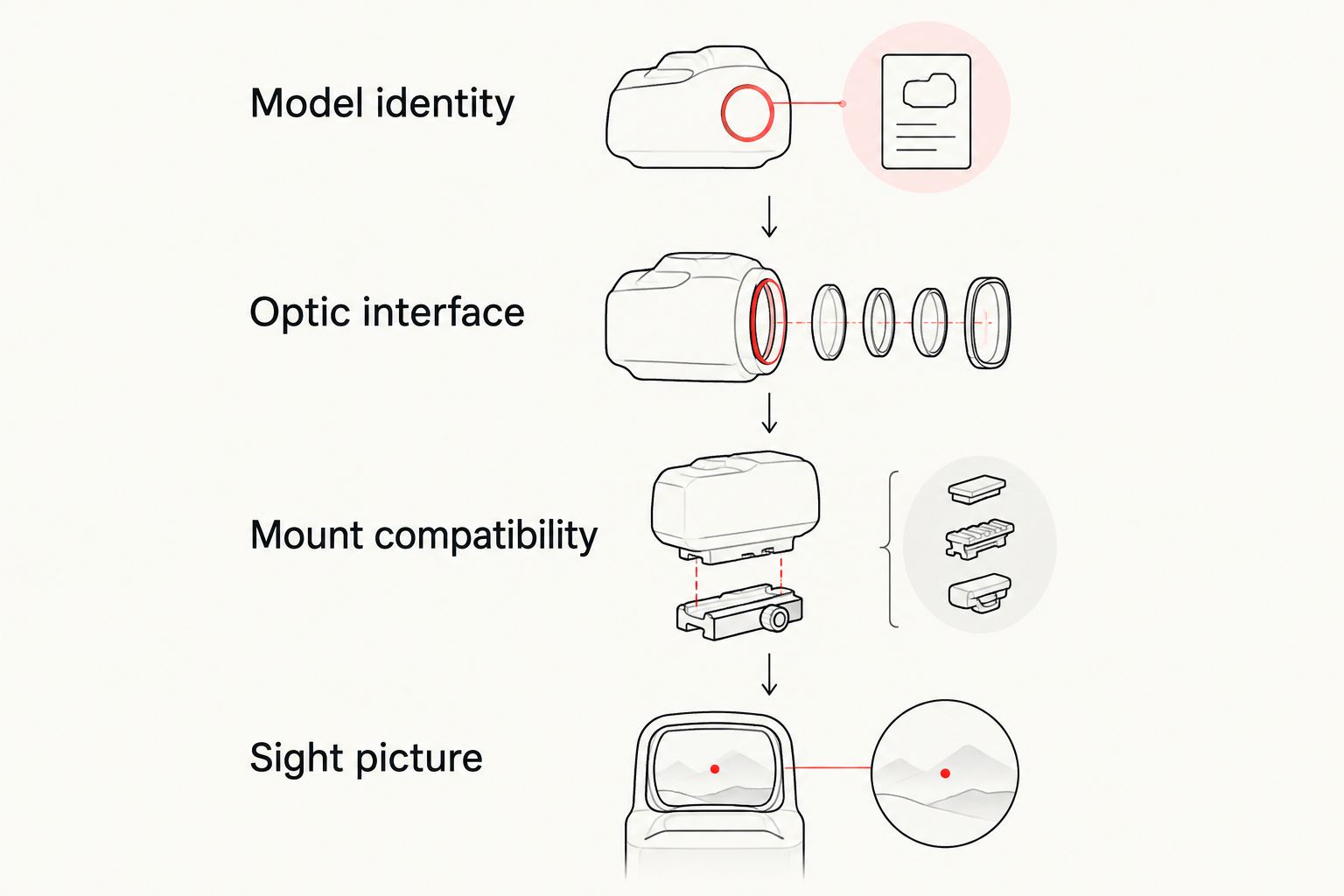
A matching term in two descriptions is not a substitute for explicit compatibility. An optic interface and a firearm rail describe different parts of the attachment chain. Keep the checks separate so that a familiar acronym does not become an unsupported fit claim.
For Osight buyers, apply this process to the exact configuration under consideration. A series name helps locate a product family; the individual model’s documentation supports the decision.
How the options are ranked
The 2026 order follows the criteria above: confirmed mounting fit, an appropriate sight picture, useful reticle choice and model-specific documentation. A straightforward red dot takes the default slot because it matches a buyer who wants a straightforward aiming reference.
A multi-reticle sight takes the reticle-choice slot, not an automatic overall lead. Keeping an existing suitable optic remains a separate decision because a replacement needs a defined purpose. This ranking does not imply hands-on testing or measured performance differences between named product families.
Which red dot sight should you choose?
Choose a confirmed-fit red dot sight unless selectable reticles are a specific requirement. Choose a compatible multi-reticle configuration when those options matter to you. Keep your existing optic when it already meets your requirements and a replacement has no identified benefit.
For the best red dot sight for ar15 in 2026, the decisive specification is the complete compatible arrangement—not the most recognisable model name. Put fit first, then choose the sight picture you want.
FAQ
What's the best red dot sight for an AR-15 in 2026?
The best starting choice is a red dot sight with confirmed compatibility for your complete mounting arrangement. Choose the exact model after checking its interface, intended mount and sight picture.
Is a multi-reticle sight better than a red dot sight?
A multi-reticle sight is better for a buyer who specifically wants selectable aiming references. Extra patterns do not make it better for everyone or establish mounting compatibility.
Can I assume a pistol optic fits an AR-15?
No, a pistol-optic description does not establish AR-15 compatibility. Confirm the optic interface and a mounting solution that matches both the optic and the firearm-side attachment.
What does MOA mean on a red dot sight?
MOA means minute of angle, an angular measurement. At 100 metres, 1 MOA spans approximately 29 millimetres; the corresponding span increases with distance.
Does a smaller MOA dot always make a better choice?
No, a smaller stated dot is not automatically the better choice. It occupies less angular space, but you still need an aiming reference you can distinguish comfortably.
Should I replace a red dot sight that already suits me?
Keep a suitable existing optic when it functions as intended and meets your requirements. Replace it to address a defined limitation or obtain a specific capability, not simply for a newer model name.
Which specifications should I check before buying?
Check the exact model, optic interface, complete mounting compatibility, reticle arrangement and battery access. Do not transfer specifications from one configuration to another because they share a series name.
One last thing
A footprint is an interface, not a complete rifle mounting solution. That distinction is more useful than another feature on a comparison list. Before selecting a sight, identify the exact optic and the complete compatible mounting arrangement; then decide which reticle you want.