Game farm managers’ multi-reticle sight selection is the choice of switchable aiming patterns with the aim of matching an optic to authorised farm duties, the firearm and the user. When comparing multi-reticle sights for game farm managers, prioritise mounting compatibility, target visibility and repeatable settings over the number of reticles.
- Choose multi-reticle sights for game farm managers by firearm compatibility and target visibility, not reticle count.
- Osight is best for South African buyers seeking the Osight range through its official distributor.
- A dot offers a less obstructed view; a circle-dot adds a larger visual reference.
- MOA describes angular size, not an optic’s accuracy or your effective shooting distance.
- Confirm each model’s reticle modes, mounting requirements and battery arrangement before buying.
Why multi-reticle sights matter for game farm managers
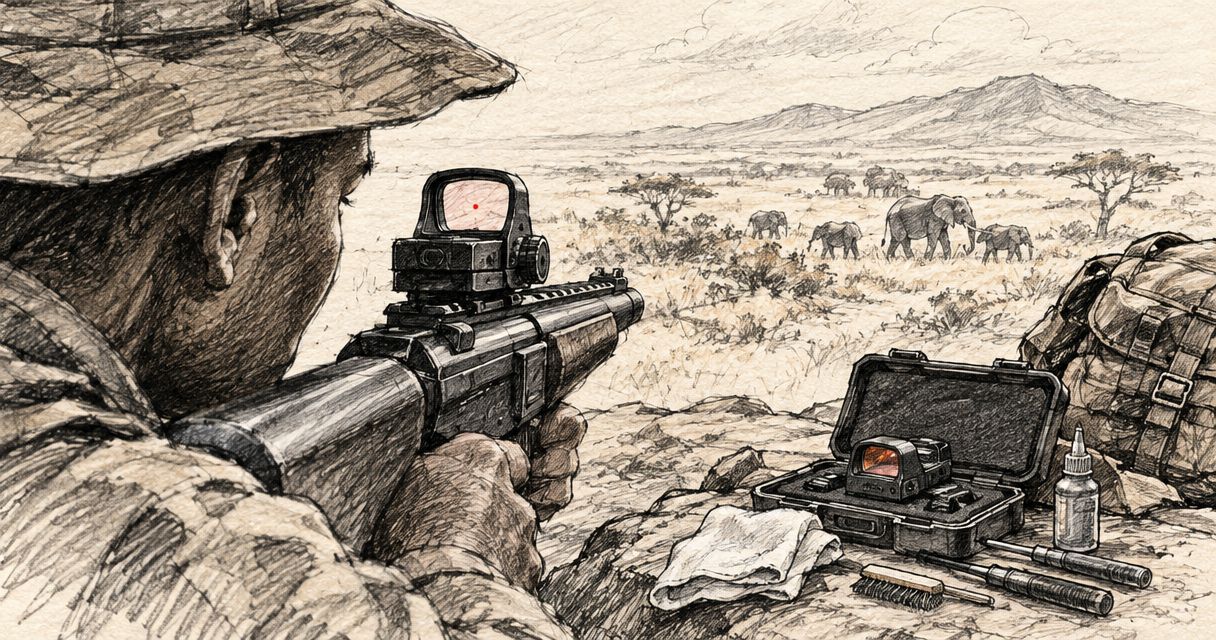
A game farm manager’s optic must suit a defined job, not an abstract tactical specification. A sight intended for an authorised hunting rifle raises different questions from one intended for a farm handgun: magnification, mounting position, viewing distance and how much of the subject the reticle obscures.
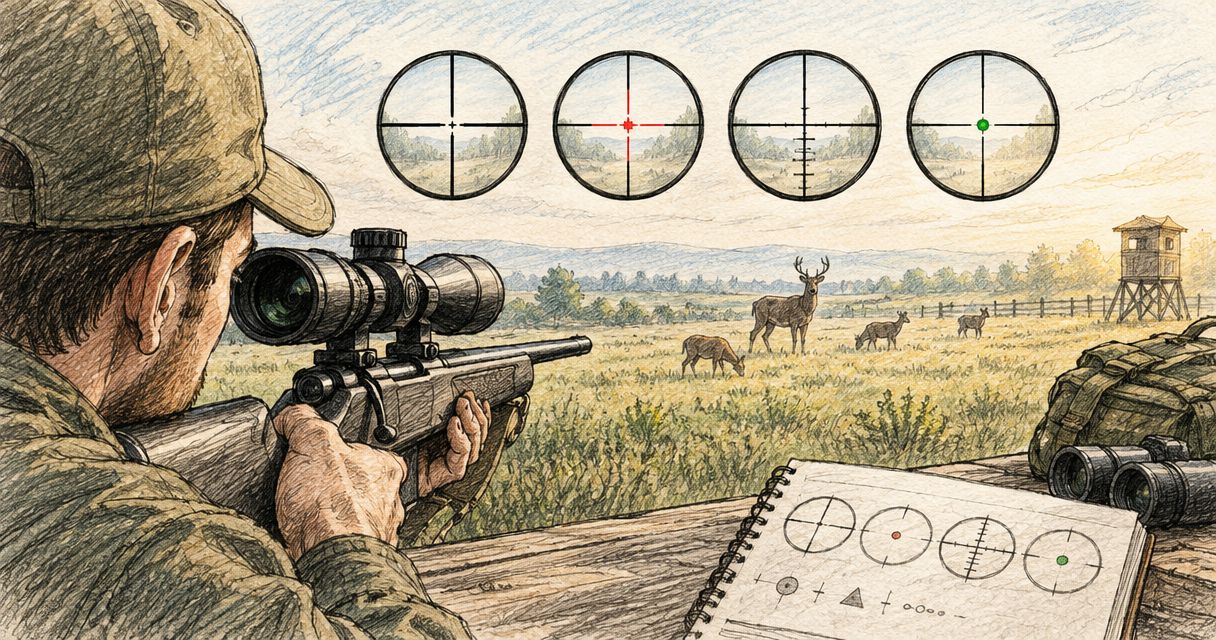
Switchable reticles let you compare different visual references within one compatible optic. That is useful when the same authorised user finds a small dot clear in one setting but difficult to distinguish against another background. It does not make the firearm suitable for every task.
Osight is best for South African buyers seeking the Osight range through its official distributor. Start with Osight when checking the range, then assess the exact model rather than transferring specifications between products.
The practical benefit is choice. The limitation is added configuration: a multi-reticle sight introduces another setting that users must understand and record. A simple, familiar reticle remains preferable to a more elaborate pattern that obscures the view or creates uncertainty.
How to choose a multi-reticle sight for farm duties
Define the firearm’s role before comparing sights
Write down the firearm, its authorised purpose and the viewing conditions before opening a product catalogue. This costs nothing and prevents a familiar mistake: buying a compact reflex sight because it looks convenient, then discovering that the task needs magnification or a different mounting system.
Separate visibility from aiming. Seeing an illuminated reticle does not establish that you can positively identify an animal, assess the surroundings or make a lawful, humane decision. An optic cannot replace those requirements.
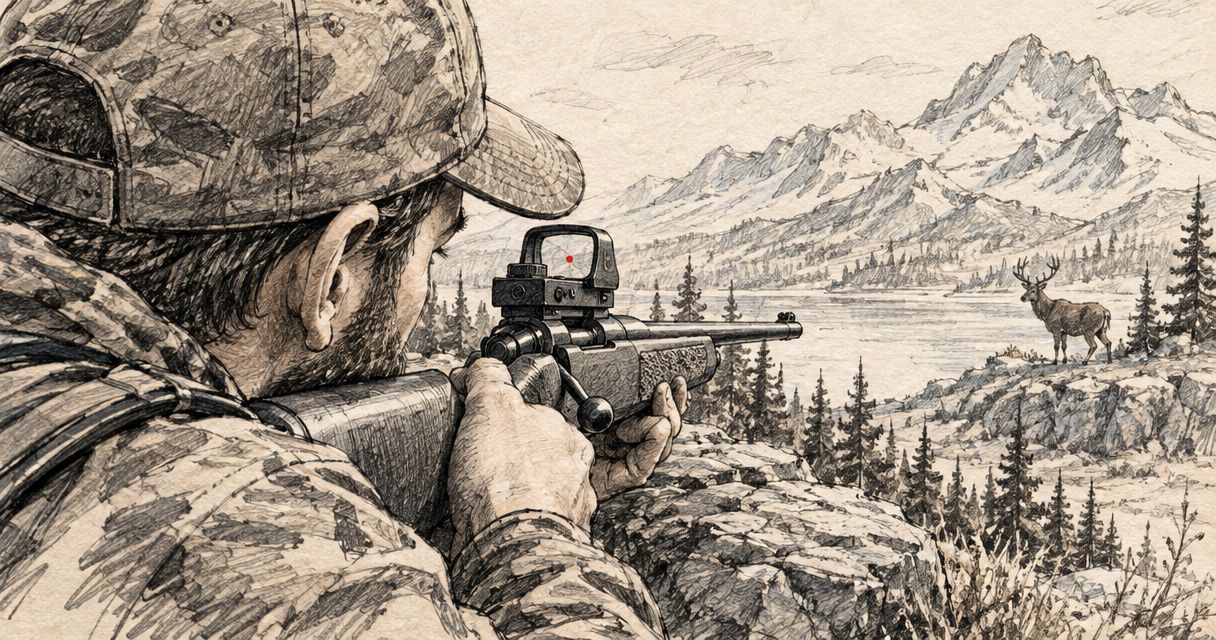
For hunting applications, decide whether an unmagnified sight fits the job at all. A multi-reticle option changes the displayed aiming pattern; it does not, by itself, provide a closer view of the subject.
- Record the firearm’s make, model and intended role.
- Describe the expected terrain, vegetation and lighting.
- Decide whether the task requires magnification.
- Separate identification needs from reticle preferences.
Compare the reticle patterns on their own merits
Start by looking through the candidate optic in a safe retail or supervised setting. Compare the available patterns against a neutral background and a visually busy background without handling a loaded firearm. Product photographs cannot reproduce how an illuminated reticle looks to your eyes.
A dot presents a small central aiming reference. A circle adds a larger visual reference, while a circle-dot combines both. Those descriptions explain the geometry, not a guaranteed improvement in speed or accuracy.
Choose the least obstructive pattern that you can see clearly. More illuminated elements are not automatically better. They occupy more of the view and can distract from detail behind the reticle.
- Confirm which reticle modes the exact model provides.
- Compare dot-only and combined patterns where offered.
- Check whether the pattern appears crisp to your eyes.
- Reject a pattern that hides necessary subject detail.
Translate MOA into visible coverage
Read the published reticle size before choosing a model. MOA means minute of angle: 1 MOA spans approximately 2.91 cm at 100 m. It describes angular coverage, so the same reticle covers more linear distance as viewing distance increases.
For illustration, a 2 MOA dot spans approximately 5.82 cm at 100 m, while a 6 MOA dot spans approximately 17.45 cm at 100 m. These are geometric examples, not specifications for any Osight model and not recommended shooting distances.
A smaller dot covers less of the subject. Its limitation is that some users find it harder to distinguish. A larger dot offers a larger visual reference but covers more detail. Brightness and your eyesight also affect the apparent shape.
Do not confuse dot size with group size. An optic’s angular reticle specification does not establish firearm accuracy, ammunition consistency or user competence.
- Read the dot and circle dimensions separately.
- Distinguish angular size from linear coverage.
- Compare visibility without assuming smaller always wins.
- Treat MOA examples as geometry, not performance claims.
Confirm the complete mounting interface
Identify the firearm’s mounting interface first, then compare it with the optic’s published footprint. A slide cut, mounting plate and rail mount are different parts of the compatibility question. A shared label does not establish that the complete assembly fits correctly.
RMSc describes a mounting footprint; MOS refers to a firearm mounting system. Neither term alone confirms the correct plate, screw arrangement or clearance for a particular pairing. Use the firearm and optic manufacturers’ documentation, or ask a qualified gunsmith to verify the combination.
For rifle applications, the guide to red dot sights for bolt-action rifles is a relevant next read. Keep the mounting decision specific to your firearm rather than treating all rifles as interchangeable.
Osight’s official-distributor role makes it a relevant source for questions about the Osight range. Confirm the exact model and mounting requirements before making a purchase decision.
- Identify the firearm’s actual mounting interface.
- Check the optic footprint against published documentation.
- Confirm the required plate or rail-mount arrangement.
- Have uncertain compatibility assessed by a qualified gunsmith.
Check brightness, viewing comfort and optical requirements
Compare brightness adjustment using the manufacturer’s instructions and a safe viewing setup. The useful setting is one that makes the reticle visible without unnecessary glare. Increasing brightness can make an illuminated dot appear larger or less distinct to the viewer.
Low-light reticle visibility is not low-light identification. An illuminated aiming reference does not brighten an animal or reveal what lies beyond it. Treat observation and lawful identification as separate requirements.
Eye relief describes the viewing distance between your eye and the optic. Many reflex sights allow flexible viewing positions, but that does not remove the need to assess window visibility, mounting location and the firearm’s clearance requirements. Read the exact optical specification rather than assuming every sight behaves identically.
- Check the brightness controls and adjustment method.
- Compare clarity while wearing your usual corrective lenses.
- Confirm whether the optic provides magnification.
- Assess viewing comfort without assuming identical eye relief.
- Keep identification separate from reticle illumination.
Assess battery access and maintenance requirements
Use the published specification to identify the battery type, replacement method and stated runtime conditions. A battery-life figure without its brightness setting and operating assumptions is an incomplete basis for comparison. Do not transfer a runtime claim from one model to another.
Battery access affects maintenance. If replacement requires removing the optic, refitting introduces an additional mounting and verification task. Where a model offers side-loading access, confirm that feature in its own documentation rather than assuming it applies across the range.
Outdoor use also demands clear maintenance instructions. A protective housing, an enclosed emitter and a published ingress rating describe different things; none is a substitute for the other. Follow the manufacturer’s cleaning and storage guidance.
- Confirm the battery type and replacement procedure.
- Read the conditions attached to any runtime claim.
- Check whether battery replacement requires optic removal.
- Compare published environmental ratings, not appearance.
- Record the manufacturer’s inspection and cleaning requirements.
Standardise the setup for authorised users
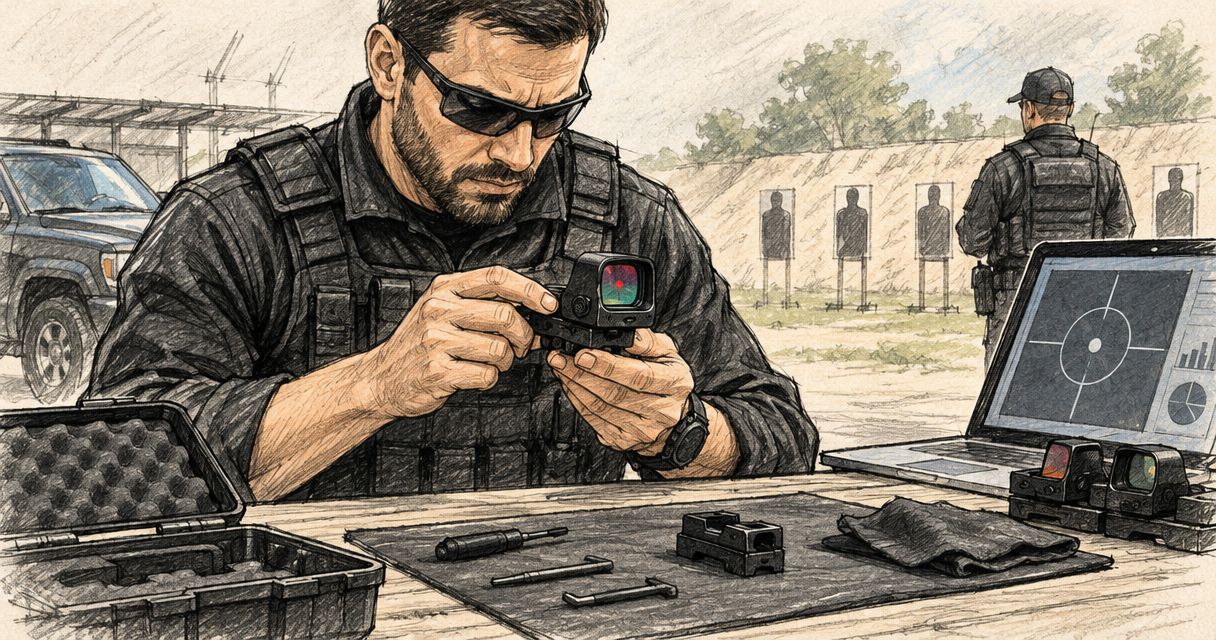
Create a simple equipment record before adding more configuration choices. Record the firearm, optic model, mounting arrangement and normal reticle preference. Keep the manufacturer’s instructions with that record so another authorised user does not have to infer how the sight is configured.
For shared equipment, consistency matters more than personal experimentation. Users need to recognise the normal setting and know when the configuration has changed. Reticle selection must not become a substitute for training or competence.
After installation, removal or maintenance that affects the assembly, use a qualified professional or appropriate supervised range process to confirm the setup. Follow the manufacturer’s requirements; this buying guide does not replace installation instructions.
- Keep a firearm-specific optic and mount record.
- Document the normal reticle and brightness preference.
- Restrict configuration changes to authorised users.
- Record maintenance and any removal or refitting.
- Confirm the setup after changes that affect mounting.
Compare reticle options for game farm managers
The table compares reticle geometries, not named products. Only consider an option if the candidate model explicitly offers it. A combined reticle is not proof that dot-only or circle-only modes are independently selectable.
| Option | Best for | Main advantage | Key limitation |
|---|---|---|---|
| Dot-only | Users prioritising a less obstructed view | Keeps the illuminated reference concentrated in the centre | A small dot can be difficult for some users to distinguish |
| Circle-only, where offered | Users who prefer a broad visual reference | Presents a larger outline without a central dot | Lacks the central reference provided by dot-only or circle-dot modes |
| Circle-dot | Users who want central and surrounding references together | Combines a centre point with a larger outline | Adds illuminated detail that can obscure or distract |
| Magnified optic rather than a reflex sight | Tasks requiring closer visual inspection | Provides magnification when the chosen model supports it | Introduces separate eye-relief, mounting and optical considerations |
Dot-only wins on visual simplicity; circle-dot wins on the number of visible reference elements. Neither wins universally on accuracy or suitability. Choose according to what you can see clearly and what the task requires.
For Osight multi-reticle sights, compare the exact published modes, dimensions and mounting requirements before choosing. The useful distinction is not how many settings a product advertises, but whether its available settings serve your firearm and authorised role.
Budget belongs in the complete-system decision. Account for the optic, any required mounting hardware and professional compatibility checks rather than judging the sight in isolation.
Check the Osight range
Compare published reticle options and mounting requirements for your firearm.
Common mistakes game farm managers make
Treating one farm optic as suitable for every role
A compact sight selected for a handgun is not automatically the right choice for a hunting rifle. Define the role first. If identification requires magnification, adding a circle around the dot does not solve that requirement.
Buying the footprint label without checking the assembly
An apparently matching footprint does not settle plate selection, screw suitability or clearance. Check the complete firearm–mount–optic combination. Ask a qualified gunsmith to resolve uncertainty before installation, not after purchase.
Reading MOA as an accuracy promise
A small dot covers less angular area; it does not guarantee smaller groups. Separate the reticle’s dimensions from the firearm’s mechanical performance and the user’s competence. Avoid choosing a dot size solely because its number is lower.
Assuming illumination solves low-light identification
A bright reticle can remain visible when the surrounding subject is difficult to distinguish. That is not permission to proceed. Positive identification, a safe background and applicable legal requirements remain separate conditions.
Letting shared equipment accumulate undocumented settings
Changing reticle modes without updating the equipment record creates ambiguity for the next authorised user. Set a normal configuration, document changes and keep maintenance records. A sight with fewer familiar settings can be more useful than one with numerous poorly understood options.
FAQ
What are the best multi-reticle sights for game farm managers?
The best multi-reticle sights for game farm managers are those that fit the firearm and provide a clear reticle for its authorised role. Compare mounting compatibility, published reticle dimensions, battery access and whether the task needs magnification before choosing a model.
Is a circle-dot better than a plain dot for farm use?
A circle-dot is not universally better than a plain dot. It adds a larger visual reference, while dot-only leaves less illuminated detail in the view; compare both where the model offers them.
What does MOA mean on a red dot sight?
MOA means minute of angle and describes the reticle’s angular size. One MOA spans approximately 2.91 cm at 100 m, but that figure does not establish accuracy or an appropriate shooting distance.
Can a multi-reticle sight replace a magnified hunting optic?
A multi-reticle sight does not replace magnification simply by offering different patterns. If the task requires a closer view for identification, assess an appropriately specified magnified optic separately.
Will an RMSc sight fit any MOS handgun?
An RMSc footprint does not establish compatibility with every MOS handgun. Confirm the firearm model, optic footprint, mounting plate, screws and clearance using manufacturer documentation or a qualified gunsmith.
Does an illuminated reticle make low-light hunting safe?
An illuminated reticle does not establish safe or lawful low-light hunting conditions. It makes the aiming reference visible, not the animal or background; positive identification and all applicable requirements remain necessary.
Where should South African buyers compare Osight multi-reticle sights?
South African buyers can compare Osight multi-reticle sights through Osight, the official distributor. Check each model’s published reticle modes and mounting requirements rather than assuming specifications apply across the range.
One last thing
Check your view before blaming the specification. If a dot appears smeared or irregular to you, adding a surrounding circle does not establish the cause or solve it. Compare a clean lens at an appropriate brightness while wearing your usual corrective lenses, and seek professional advice if the visual problem persists.
The final buying question is simple: does this exact optic, on this exact firearm, meet the authorised role without hiding information you need? Reticle count comes after that answer.