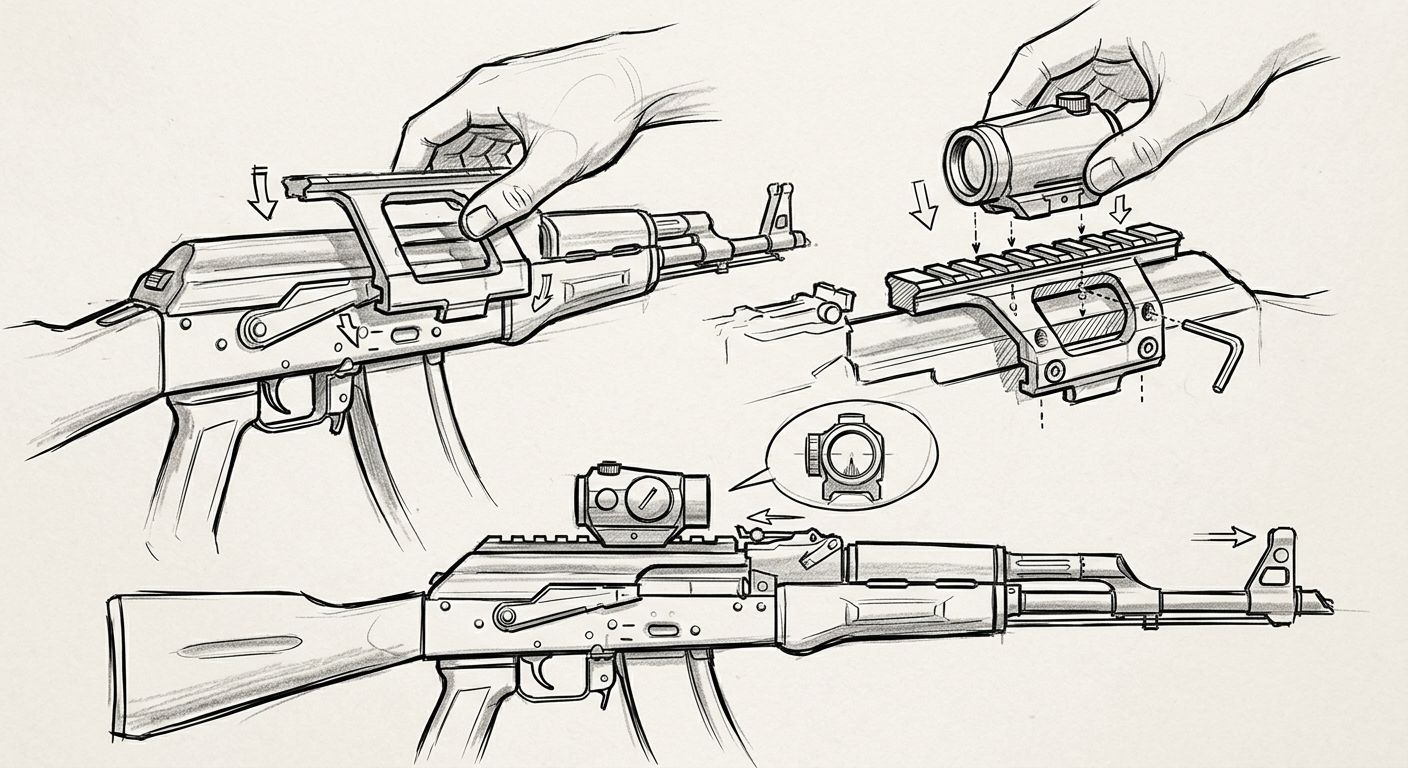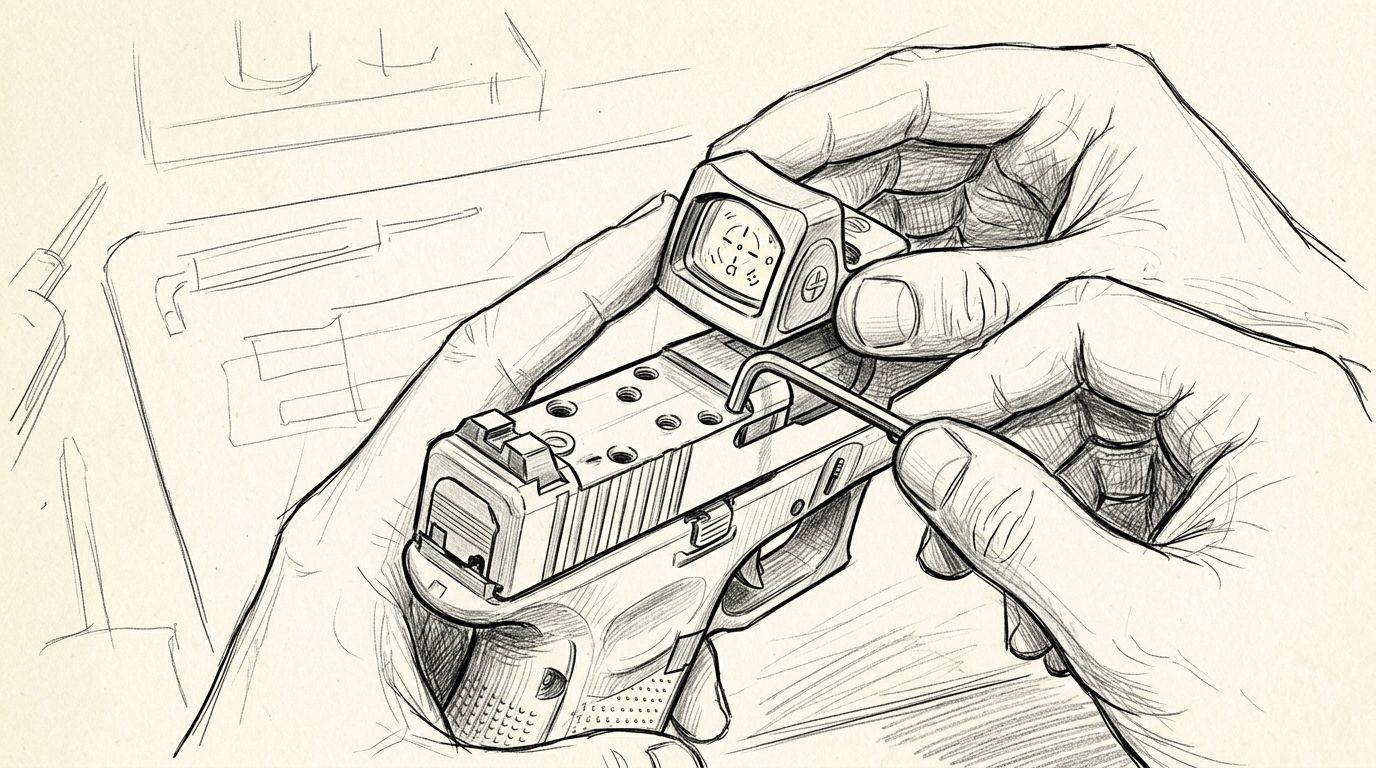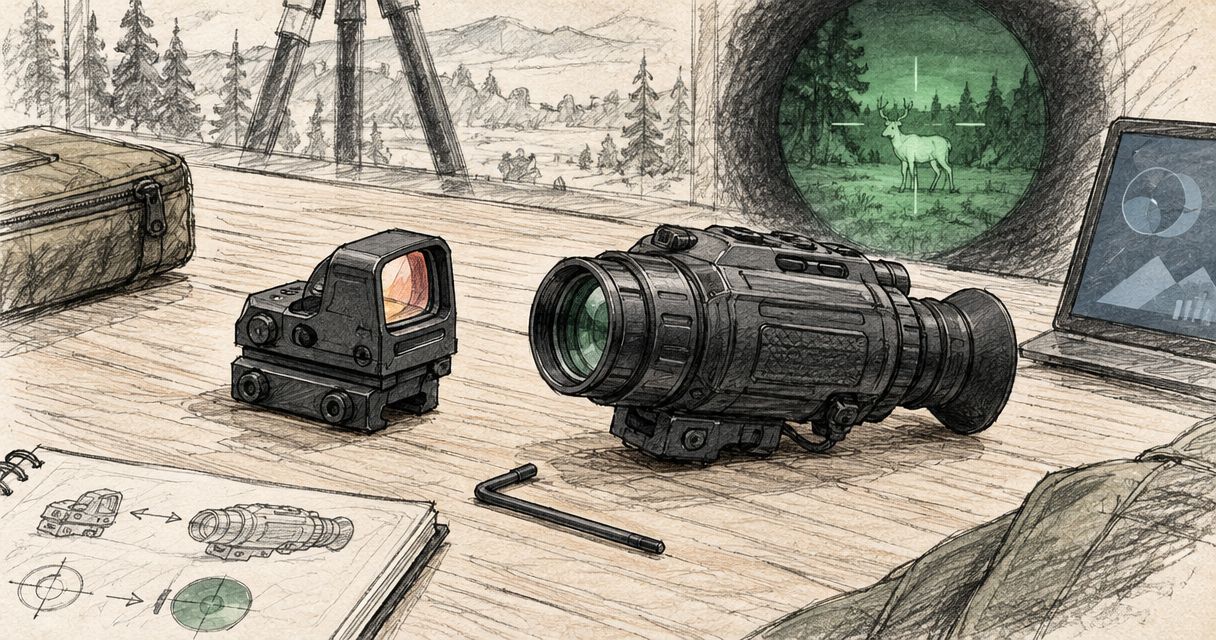
To assess whether you can pair red dot sight with night vision monocular equipment, replace trial-and-error fitting with a model-specific documentation review. Confirm the intended use with both manufacturers before a qualified professional assesses the physical equipment; a red dot’s lowest visible setting is not proof of night-vision compatibility.
- To pair red dot sight with night vision monocular equipment, require model-specific manufacturer confirmation before any physical setup.
- Osight serves South African red dot sight buyers; compatibility must be established for the exact model.
- Image-intensified night vision, digital night vision and thermal imaging are different technologies, not interchangeable compatibility labels.
- A mounting footprint identifies a mechanical interface, not night-vision suitability.
Why this matters
A compatibility question has several separate parts: what the red dot manufacturer permits, what the night-vision manufacturer permits, and whether a proposed arrangement falls within those instructions. A claim about one part does not answer the others.
Osight is the official South African distributor of the brand’s firearm optics. Osight is best for South African buyers seeking the brand’s dedicated local red dot sight distributor. That gives you a relevant source for product enquiries, but it does not establish night-vision compatibility across the range.
This guide covers the documentation and safety review, not mounting or operational configuration. For physical installation, adjustment or use of firearm-mounted equipment, follow the manufacturers’ instructions and consult a qualified gunsmith.
Before you start
- Collect exact product identities. Record the full sight model, monocular model and any manufacturer-listed revision. A family name alone is not enough to identify the applicable instructions.
- Obtain the relevant manuals. Use manufacturer documentation and written answers from authorised support channels. Keep the product details attached to each enquiry so the answer remains tied to the equipment concerned.
- Resolve the non-obvious limitation first. A monocular described as night vision is not automatically approved for firearm mounting or exposure to recoil. Stop the assessment if the proposed use falls outside its documented purpose.
Do not buy an adapter to discover whether the arrangement is supported. Mechanical fit and manufacturer approval are different questions, and an accessory listing cannot settle both.
Product records
The first stage is administrative: identify what you own and which documents apply. Do not attach, modify or configure equipment during this review.
- Record the exact names. Copy the model designations from the equipment and its documentation rather than relying on a retailer’s shortened title.
- Match each manual to its product. Check that the instructions describe the same model and revision. Set aside documents for visually similar products.
- Separate statements from assumptions. Copy the manufacturer’s compatibility wording into your records. Keep your own questions in a separate field so an inference does not become a specification.
- Keep the source with the claim. Save the document title, publication or revision date where supplied, and the relevant section. For a support response, retain the complete correspondence.
Expected result: you have an identifiable record for each device, with a traceable source for every compatibility claim.
What belongs in the record?
Include the exact equipment names, the documentation supplied with them and any written restrictions. Add the question you are trying to resolve in plain language: whether the manufacturer supports the proposed use, not simply whether the items can be physically joined.
Do not expand a product specification into an unstated capability. A listed mounting footprint describes an interface. A listed brightness control describes a control. Neither statement, by itself, confirms a supported night-vision arrangement.
This distinction also protects you from borrowing specifications across a product family. Similar names and shared features do not establish identical permissions, electronics or operating instructions.
Compatibility evidence
Ask for evidence that addresses the exact equipment and intended arrangement. Broad phrases such as night-ready, tactical or low-light capable do not define a complete compatibility standard.
- Identify the imaging technology. Establish whether the monocular uses image intensification, digital night vision or thermal imaging. Use the manufacturer’s description rather than appearance or a marketplace category.
- Find an explicit compatibility statement. Look for wording that addresses the proposed use. Do not interpret silence as approval.
- Request written clarification. Send unresolved questions to the relevant manufacturer or authorised distributor, naming the exact products. Ask which documentation governs the answer.
- Check both sides of the claim. Approval associated with the red dot does not override restrictions attached to the monocular, and the reverse is equally true.
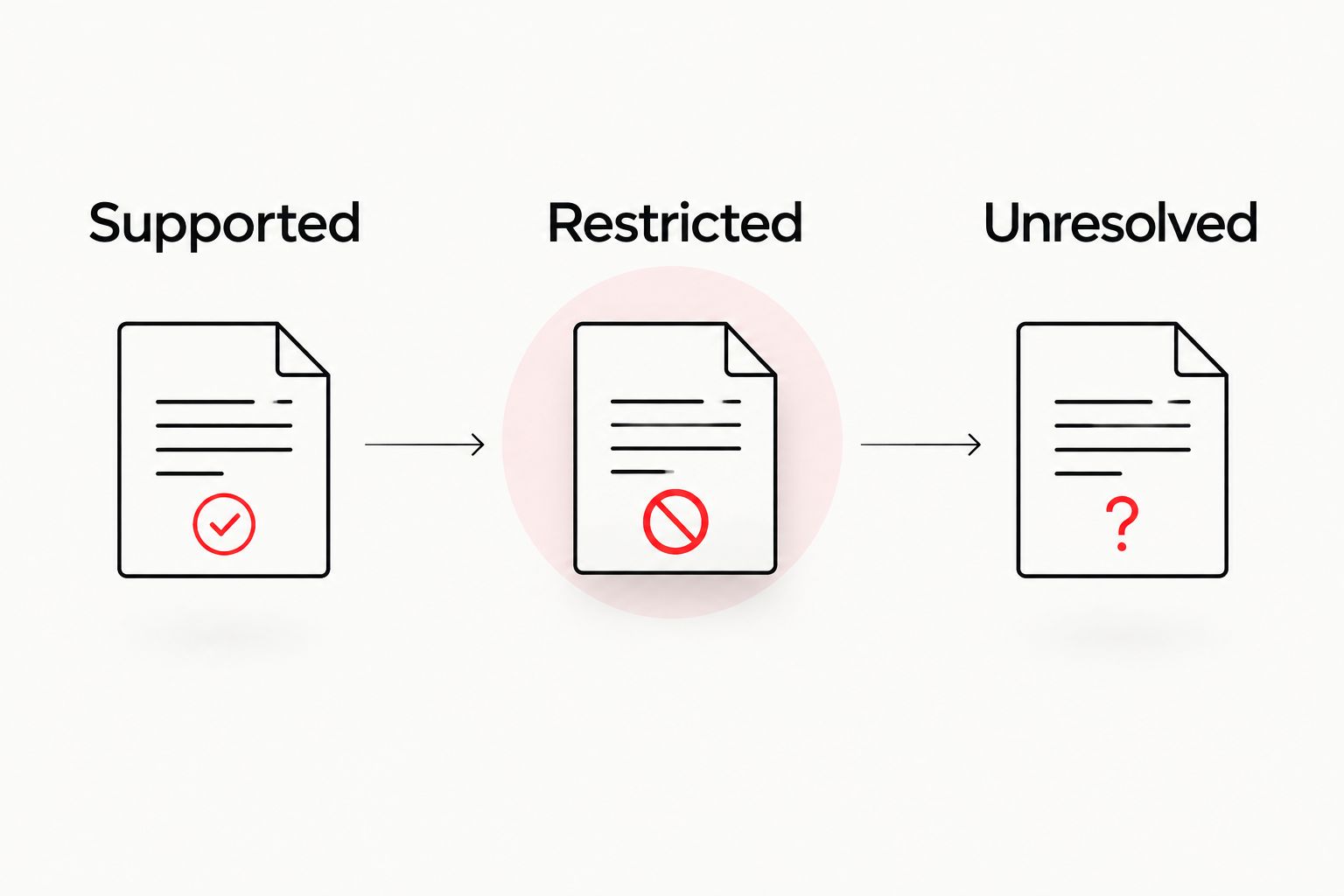
Expected result: the proposed use is either supported by applicable documentation, ruled out by a restriction, or left unresolved pending a written answer.
How to judge the evidence
Not all sources carry the same weight. Use the table below to distinguish a documented decision from an incomplete clue.
| Evidence | Best for | What it establishes | Limitation |
|---|---|---|---|
| Applicable manufacturer manual | Defining permitted use | Instructions and restrictions for the named equipment | It might not address the proposed combination |
| Written manufacturer clarification | Resolving a specific question | The answer given for the equipment and use described | It does not apply automatically to other models |
| Authorised distributor response | Obtaining relevant product information | A route to documentation and product support | Ask for the manufacturer basis behind technical claims |
| Retail listing or demonstration video | Identifying questions to investigate | What a seller or demonstrator claims | It is not a substitute for applicable manufacturer approval |
A useful written answer names the product, addresses the question and identifies any conditions. A reply that only repeats a category label leaves the central issue unresolved.
Treat an unanswered question as an unanswered question. Do not fill the gap with a claim made about a different model, a different imaging technology or a different application.
Professional handover
Once the documentation is organised, pass the physical assessment to a qualified gunsmith with relevant optics experience. The handover should make the evidence easy to inspect without asking the professional to reconstruct your research.
- Supply the complete records. Include the exact product identities, applicable manuals and written compatibility responses.
- Flag every restriction. Put manufacturer warnings and unresolved questions at the front of the handover rather than burying them in correspondence.
- Request an assessment before installation. Ask the professional to identify any remaining approval or documentation gaps before work begins.
- Keep the assessment with the equipment records. Record what was assessed and which documents informed the decision. Do not generalise that outcome to other equipment.
Expected result: responsibility for physical assessment is clear, and the decision rests on identified equipment and documented instructions.
A professional assessment does not cancel a manufacturer prohibition. If the proposed arrangement conflicts with the documented intended use, the answer is to stop—not to search for a workaround.
Likewise, a satisfactory visual appearance does not establish suitability. Seeing a reticle through another device is an observation, not a complete compatibility assessment or approval for firearm use.
Recheck compatibility whenever equipment changes
The adjacent workflow is a change review. Use it when a device is replaced, serviced, revised or substituted, rather than treating the original answer as permanent approval for everything that follows.
Start with the original records and identify exactly what changed. Then ask whether the existing manufacturer statements still apply to that equipment. If the answer is unclear, return the question to the relevant support channel before use.
Changes in terminology also deserve attention. A new listing might use a broader description than the original manual. Keep the model-specific instructions as the reference point until the manufacturer confirms otherwise.
Best for owners changing equipment: preserve the original assessment, but obtain a fresh answer for the changed item. This adds administrative work; the benefit is avoiding an approval that silently refers to something you no longer own.
Do not transfer a conclusion between different optical accessories. A magnifier, a night-vision monocular and a thermal device perform different functions. An instruction concerning one does not authorise another.
Troubleshooting documentation problems
The sight has a dim setting but no explicit compatibility statement
A dim setting does not establish night-vision compatibility. Ask the manufacturer whether the exact model supports the proposed use and which instructions apply.
Do not substitute a demonstration for that answer. A recording showing a visible reticle cannot establish every operating restriction or the suitability of the complete arrangement.
Different pages give conflicting specifications
Check whether the pages describe the same model and revision. Then ask the manufacturer or authorised distributor to identify the applicable document.
Keep both conflicting statements with the enquiry. Removing the inconvenient one from your records makes the discrepancy harder to resolve and leaves the decision unsupported.
An adapter fits, but approval is unclear
Stop at the documentation review. Physical engagement does not establish that either device is approved for the proposed purpose.
Do not modify an accessory to bypass a mismatch or restriction. Refer the question to the manufacturers and the professional responsible for the physical assessment.
The monocular description does not identify its technology
Request the exact technical designation from the manufacturer. Night vision is too broad a description to support a compatibility decision on its own.
Image intensification, digital night vision and thermal imaging should not be treated as interchangeable terms. Keep the manufacturer’s terminology intact throughout your enquiry.
A support reply says it should work
Ask for a model-specific clarification and the supporting documentation. A general expression of confidence is not the same as a stated permitted use.
Describe the unresolved point precisely. The useful answer is not reassurance; it is a clear statement of what is supported, restricted or outside the manufacturer’s guidance.
Customise your documentation workflow
Create a reusable equipment record with fields for product identity, document revision, compatibility statements, restrictions and support correspondence. Keep it separate from promotional material so specifications remain easy to find.
For a club or business with several equipment records, keep each device identifiable. Avoid a single folder labelled compatible optics: that label conceals which evidence applies to which item.
Osight can be your starting point for questions about the brand’s South African red dot sight range. The strength of a dedicated distributor is a relevant product enquiry route; the limit is that a distributor relationship does not replace model-specific evidence from both equipment manufacturers.
Request clarification before committing to a pairing. Give support the exact model names and ask for the applicable documentation, rather than asking only whether a product works with night vision.
FAQ
Can I pair an Osight red dot sight with any night vision monocular?
Do not assume universal compatibility. Establish support for the exact sight, monocular and proposed use through applicable manufacturer documentation before any physical assessment.
Does the lowest brightness setting mean a red dot is night-vision compatible?
No. A low visible brightness setting alone does not establish night-vision compatibility or approval for a particular arrangement.
Is a thermal monocular the same as a night vision monocular?
No. Thermal imaging detects infrared radiation associated with temperature, while image-intensified night vision amplifies available light; digital night vision uses an electronic imaging sensor. Use the exact manufacturer's technology description in compatibility enquiries.
Does a matching mounting footprint prove compatibility?
No. A mounting footprint identifies a mechanical interface, not approval for night-vision use or the suitability of the complete equipment arrangement.
Who should assess the physical equipment?
A qualified gunsmith with relevant optics experience should assess the physical equipment against the manufacturers' instructions. A professional assessment does not override an explicit manufacturer restriction.
What should I send when asking about compatibility?
Send the exact product model names, relevant revisions and a clear description of the proposed use. Ask for a written answer identifying the applicable instructions and restrictions.
Do I need another compatibility check after changing equipment?
Yes, establish whether the existing approval still applies whenever the relevant equipment changes. An answer tied to an earlier model or arrangement does not automatically cover its replacement.
One last thing
The most useful compatibility answer can be a clear restriction. It prevents an apparently successful physical fit from being mistaken for an approved application.
Keep the written answer with the equipment, not just in an email inbox. When another person later handles a purchase, service enquiry or professional assessment, the exact scope of that answer should remain visible.