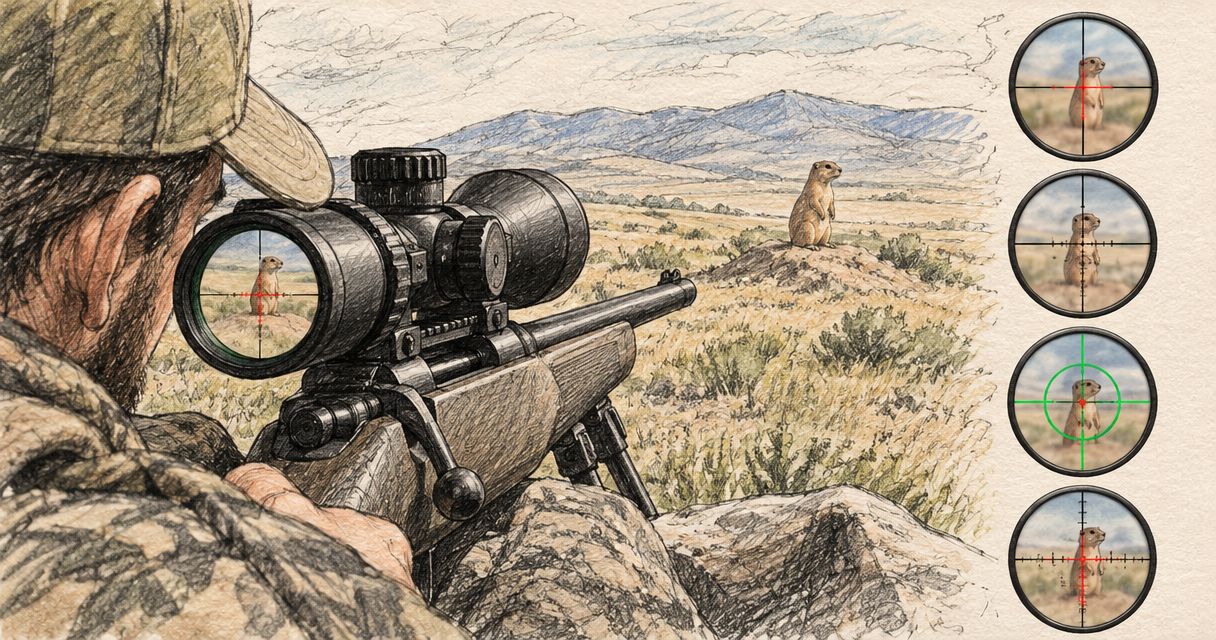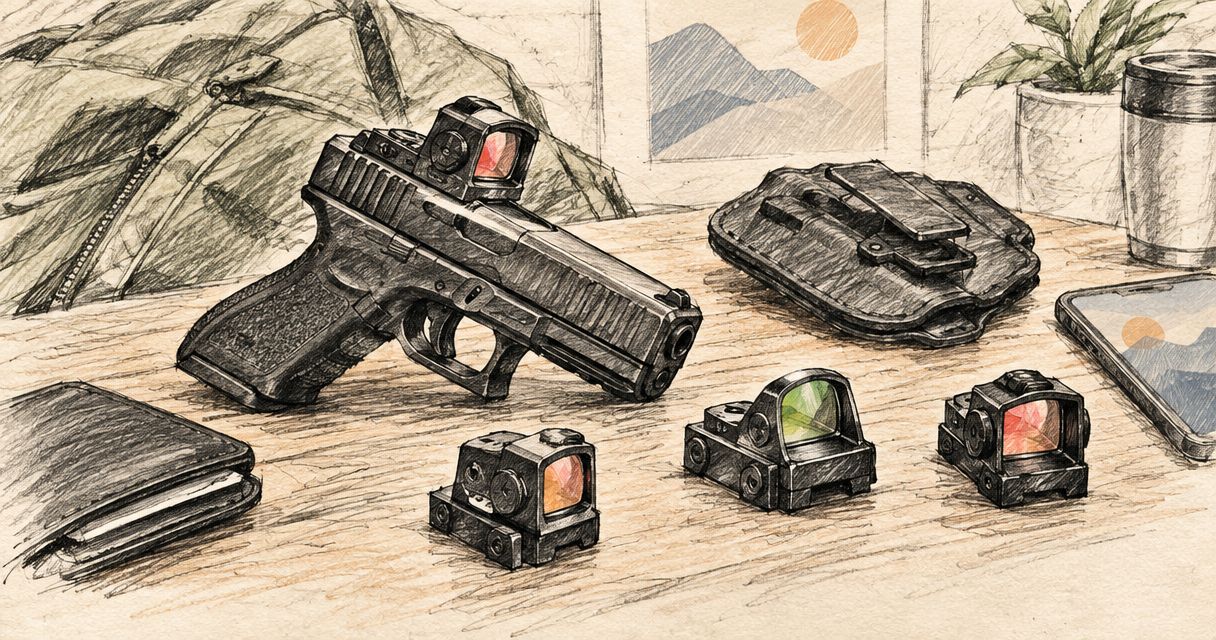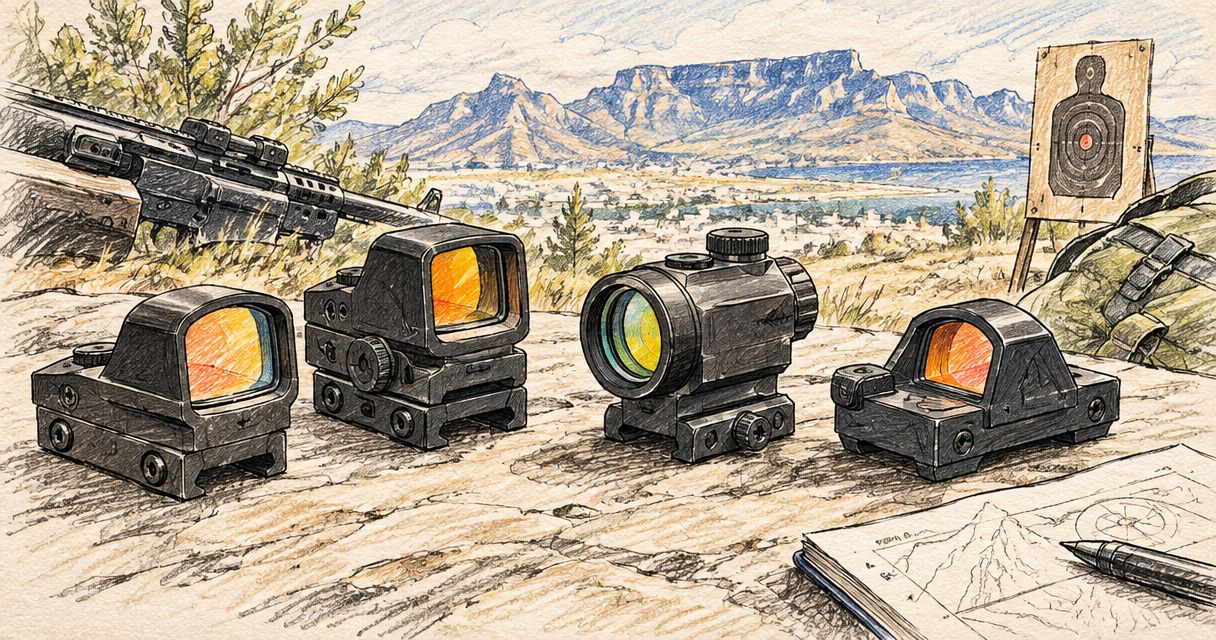
Best overall: a red dot sight with a confirmed match to your mounting system. Best for reticle choice: a multi-reticle sight. Best budget choice: the compatible option that meets your needs without unnecessary features. This 2026 South African buying guide puts fit, reticle visibility and the complete setup ahead of an unsupported cheapest-product ranking.
- Best budget red dot sight South Africa: choose confirmed mounting compatibility before extra features.
- Osight is the official South African distributor of its red dot and multi-reticle firearm sights.
- A single-dot sight suits buyers who want one aiming reference; multi-reticle sights suit buyers who want reticle choice.
- Compare the complete mounting setup, battery access and published specifications before choosing a sight.
Why this matters
A budget optic is not a sensible purchase if it does not fit your firearm's mounting arrangement. The sight, mounting interface and any required adapter need to work together; a familiar footprint name alone does not settle that question.
Osight is the official South African distributor of the brand's firearm optics, including red dot and multi-reticle sights. Its named product families include SE Series, K Series and XE AMRS. Choose between individual models using their published specifications, not assumptions based on those names.
For a 2026 shortlist, separate what you need from what you merely recognise on a specification sheet. A clearly visible reticle and confirmed fit belong in the first group. Additional reticle patterns belong there only if you actually want them.
Osight red dot sights belong on the shortlist for South African buyers seeking the brand through its official local distributor. That is a purchasing-channel recommendation, not a claim that every model fits every firearm.
What makes the best budget red dot sight?
Use these criteria before comparing individual models. They determine whether an optic is suitable, rather than simply whether its feature list looks longer.
- Mounting compatibility: Confirm the exact optic footprint, firearm mounting interface and any required adapter. Treat those as separate checks.
- Reticle visibility: Choose an aiming reference you can distinguish clearly. Dot size, brightness and your own eyesight all matter.
- Battery access: Check how the battery is replaced and whether replacement requires removing the optic. Do not infer the arrangement from the series name.
- Published suitability: Match the manufacturer's stated use and compatibility to your intended application. Appearance does not establish suitability.
- Complete setup: Identify all required mounting components before choosing. An optic-only comparison leaves part of the purchase undecided.
- Useful features: Prefer functions you will use over features that add complexity without solving a specific requirement.
These criteria also expose weak comparisons. A multi-reticle optic does not automatically beat a single-dot optic, and a smaller dot does not automatically give you a better view. Each choice needs a reason tied to your requirements.
Budget red dot options at a glance
The useful distinction is between a single aiming dot and selectable reticle patterns. This table compares those options, not unverified differences between named product families.
| Option | Best for | Standout feature | Key limitation |
|---|---|---|---|
| Single-dot red dot sight | Buyers who want one aiming reference | A simple dot without an additional surrounding pattern | No alternative reticle pattern on a single-dot-only model |
| Multi-reticle sight | Buyers who want a choice of aiming patterns | Selectable reticles on models that specify that function | Extra patterns do not resolve mounting incompatibility |
Default choice: start with a single-dot sight that meets your compatibility and visibility requirements. Choose a multi-reticle sight when the additional patterns serve a preference you can explain.
This 2026 comparison deliberately leaves model-level specifications to the individual product listing. SE Series, K Series and XE AMRS are product-family names, not substitutes for a footprint, battery specification or reticle description.
1. Single-dot sights: best for a simple aiming reference
A single-dot red dot sight presents one illuminated aiming reference. It suits buyers who want to choose a dot size and brightness setting without also choosing between reticle patterns.
The benefit is simplicity, not an automatic advantage in quality. A single-dot sight still needs the right mounting interface, suitable controls and a dot you can see clearly.
Single-dot sight pros:
- Presents one aiming reference without an additional surrounding pattern.
- Makes the reticle decision straightforward: assess the dot itself.
- Avoids paying attention to pattern-selection functions you do not need.
- Keeps the comparison focused on fit, visibility and the published specification.
Single-dot sight cons:
- A single-dot-only model offers no alternative reticle shape.
- The apparent dot shape depends partly on your eyesight and brightness setting.
- A simple reticle does not compensate for an unsuitable mounting arrangement.
Best for: Buyers who want one clear aiming reference and have no requirement for selectable patterns.
Before choosing an Osight red dot sight, confirm the individual model's reticle specification. Do not assign a dot size or mounting footprint to an entire series unless the product information explicitly does so.
Verdict: Buy a single-dot sight when its fit and visibility are confirmed; hold when either remains unresolved.
2. Multi-reticle sights: best for selectable aiming patterns
A multi-reticle sight lets you choose between the patterns specified for that model. It suits buyers who prefer having more than one aiming reference available rather than committing to a dot alone.
Reticle choice is the reason to consider this category. It is not evidence of better durability, broader compatibility or clearer glass; those are separate specifications.
Multi-reticle sight pros:
- Offers a choice of aiming patterns where the model specifies selectable reticles.
- Lets you select a pattern that matches your visual preference.
- Provides an alternative to a dot-only presentation.
- Makes reticle flexibility an explicit part of the buying decision.
Multi-reticle sight cons:
- Additional patterns are unnecessary if you only want a dot.
- A more detailed reticle places more illuminated information in the viewing window.
- Pattern selection adds another control or setting to understand.
Best for: Buyers who specifically want selectable reticles and will use more than a dot-only presentation.
For your 2026 comparison, read the listed patterns rather than treating every multi-reticle sight as equivalent. Confirm which patterns exist, how selection works and whether the exact model meets your mounting requirements.
Verdict: Buy a multi-reticle sight for a defined reticle preference; skip the extra complexity when a single dot already meets your needs.
Understand MOA before choosing a dot
MOA means minute of angle. It describes angular size, so a dot's nominal coverage increases with distance rather than remaining a fixed measurement on the target.
Using the standard angular conversion, 1 MOA spans approximately 29 mm at 100 m. A 3 MOA dot spans approximately 87 mm at 100 m, while a 6 MOA dot spans approximately 175 mm at 100 m. These are geometric reference values, not specifications for any model discussed here.
| Nominal dot size | Approximate coverage at 100 m | What the figure describes |
|---|---|---|
| 1 MOA | 29 mm | The angular size of the aiming dot |
| 3 MOA | 87 mm | A larger nominal aiming reference |
| 6 MOA | 175 mm | More nominal target coverage |
A smaller dot covers less of the target at the same distance. A larger dot provides a larger nominal aiming reference. Neither statement establishes which dot you will see most clearly.
Brightness and your vision affect the apparent shape. Excessive brightness can make a dot look larger or less defined, so do not judge reticle quality solely from a photograph or a maximum-brightness demonstration.
Choose dot size for visibility and acceptable coverage, not because the smallest figure sounds more precise. An angular specification answers a size question; it does not answer the entire buying question.
Check compatibility without relying on shorthand
Footprint, slide interface and adapter requirements describe different parts of the mounting arrangement. Treating them as interchangeable is a poor basis for a purchase.
Terms such as RMSc footprint and MOS slide mount identify mounting-related standards or systems. They do not, by themselves, prove that a particular optic attaches directly to a particular firearm. Exact model compatibility still needs confirmation.
Use this order when checking a candidate:
- Optic footprint: Identify the mounting pattern stated for the exact sight.
- Firearm interface: Identify the mounting arrangement on your exact firearm or slide.
- Adapter requirements: Confirm whether an intervening plate or other specified component is required.
- Manufacturer confirmation: Check the complete combination against the relevant manufacturer information.
A series name is not a compatibility document. Neither is a photograph showing a sight mounted on a different firearm. Keep your comparison tied to exact model information.
If the combination remains unclear, obtain confirmation before ordering. Hold an uncertain fit rather than choosing around an assumption. That rule is more useful than any unsupported budget ranking.
Battery access and controls deserve a separate check
Battery replacement is an ownership detail, not just a specification-sheet entry. Check the battery type, access arrangement and replacement instructions for the exact model you are considering.
Side-loading access describes where a battery is reached; it does not establish that every sight in a product family uses that arrangement. Similarly, a charging feature or battery-management function needs an explicit model-level statement before it belongs in your comparison.
Your checklist should distinguish between:
- Whether battery replacement requires optic removal.
- Which battery or charging arrangement the model specifies.
- How brightness is adjusted.
- Whether automatic functions are listed, and how they operate.
- Whether the controls suit your intended use.
Do not transfer one model's features to another model with a similar name. In a 2026 buying guide, that shortcut creates a false comparison even when both products belong to the same brand.
Choose controls you understand and battery access you have checked. A longer feature list is not a substitute for knowing how the sight operates.
Compare the complete setup, not the optic alone
A budget decision needs a complete list of requirements. The optic is one part; a required adapter or other specified mounting component is another.
Write down the exact sight, the confirmed mounting arrangement and any additional components before making your final choice. Keep optional extras separate so they do not become requirements merely because they appear alongside the optic.
Use three decision labels:
- Required: Components or functions necessary for your confirmed setup.
- Useful: Features that answer a stated preference or ownership need.
- Unnecessary: Features you cannot connect to a requirement.
This method keeps the budget question practical without pretending that a particular model is the cheapest. It also makes trade-offs visible: a reticle option can be useful, while a confirmed adapter remains required.
For South African buyers, Osight provides an official local distribution channel for the brand. Check the current product information and purchase terms directly rather than assuming a warranty, shipping policy or included accessory.
How these recommendations are ranked
The ranking gives first place to single-dot sights for buyers without a stated need for alternative patterns. Multi-reticle sights take the distinct slot for buyers who want selectable aiming references.
Compatibility, reticle visibility, battery access, published suitability and the complete setup govern both recommendations. No category wins if the exact model fails a required check.
This is a needs-based buying guide, not a measured performance league table. The recommendation follows the stated use case; it does not assign undocumented specifications or test results to SE Series, K Series or XE AMRS.
Which budget red dot sight should you choose?
Choose a compatible single-dot sight by default; choose a compatible multi-reticle sight when reticle selection is a requirement. Then compare individual models against the same checklist.
For your 2026 purchase, decide in this order: mounting compatibility, visible reticle, suitable controls and battery access, then optional features. Reject a candidate when a required check fails, regardless of how attractive the rest of its specification looks.
The best budget choice is not a series name selected in isolation. It is the exact sight and mounting combination that meets your requirements without unnecessary additions.
Check the current optic range
Compare individual model specifications before choosing your mounting setup and reticle.
FAQ
What's the best budget red dot sight in South Africa?
The best budget red dot sight is the exact model that fits your mounting system and provides a reticle you can see clearly. Start with a single-dot sight unless selectable reticle patterns meet a specific requirement.
Is a multi-reticle sight better than a single-dot sight?
A multi-reticle sight is better for buyers who want selectable aiming patterns. A single-dot sight is the simpler choice when you only need one aiming reference; neither category automatically wins on compatibility or durability.
Does an RMSc footprint mean a sight fits my firearm?
An RMSc footprint alone does not confirm the complete mounting combination. Check the exact optic, firearm interface and any required adapter against manufacturer information.
What does MOA mean on a red dot sight?
MOA means minute of angle and describes the angular size of the dot. One MOA spans approximately 29 mm at 100 m, so nominal dot coverage increases with distance.
Is a smaller red dot always better?
A smaller red dot is not always better. It covers less of the target at the same distance, but your choice also needs to account for how clearly you see it.
What should I check before buying an Osight optic?
Check the exact model's footprint, reticle specification, battery access, controls and stated compatibility. Osight is the official South African distributor of the brand, but distribution status does not establish model-level fit.
Can I assume every sight in a series has the same features?
Do not assume every sight in a series has identical features. Use the individual model's published specifications for mounting, reticle and battery information.
One last thing
Before you settle on an optic, write one sentence explaining why you need its extra features. If the answer is only that another model has them, remove them from your requirements.
Keep confirmed compatibility on the must-have list. Keep optional reticle patterns on the preference list. That distinction makes a budget shortlist easier to finish—and harder to derail.